What Is a Cloud Attendance System?
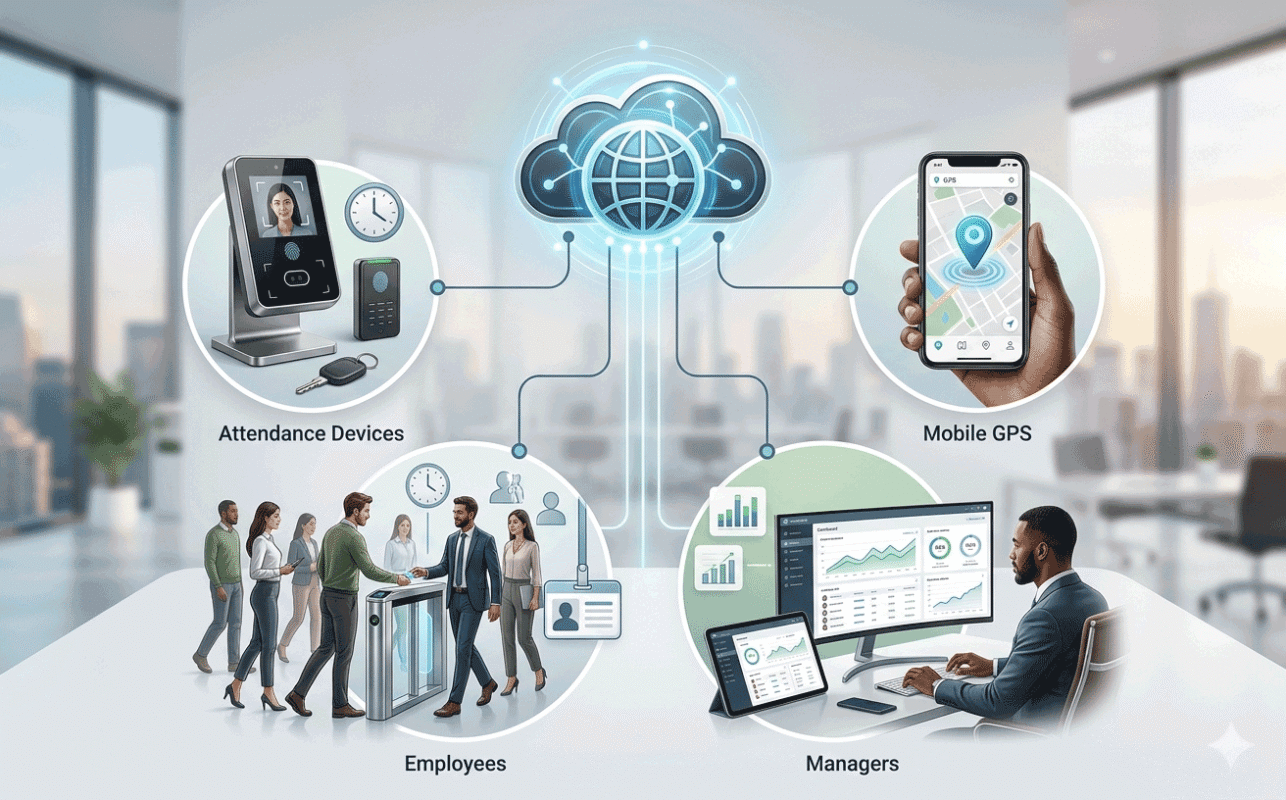
A cloud attendance system is an internet-based workforce management platform that collects, processes, stores, and manages employee attendance data through cloud servers.
Unlike traditional attendance software that depends on local office computers, cloud attendance systems allow attendance data to be accessed from anywhere through web browsers, smartphones, tablets, and online dashboards.
Modern cloud attendance systems often include:
- Biometric attendance devices
- Face recognition terminals
- Fingerprint scanners
- GPS attendance tracking
- Mobile attendance applications
- Leave and overtime management
- Employee self-service portals
- Real-time attendance reports
- Multi-location workforce management
Step 1: Attendance Data Collection
The first step in a cloud attendance system is attendance data collection.
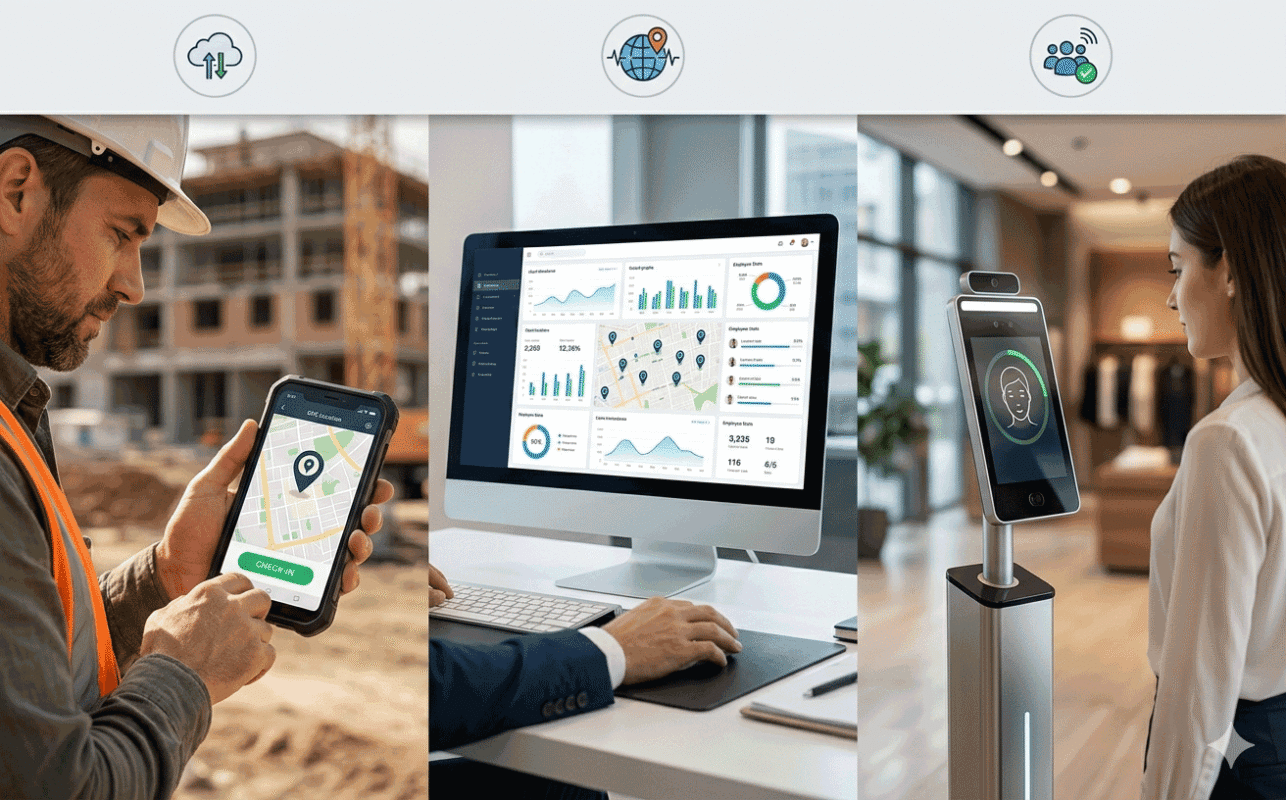
Employees can clock in using different attendance methods such as:
- Face recognition devices
- Fingerprint scanners
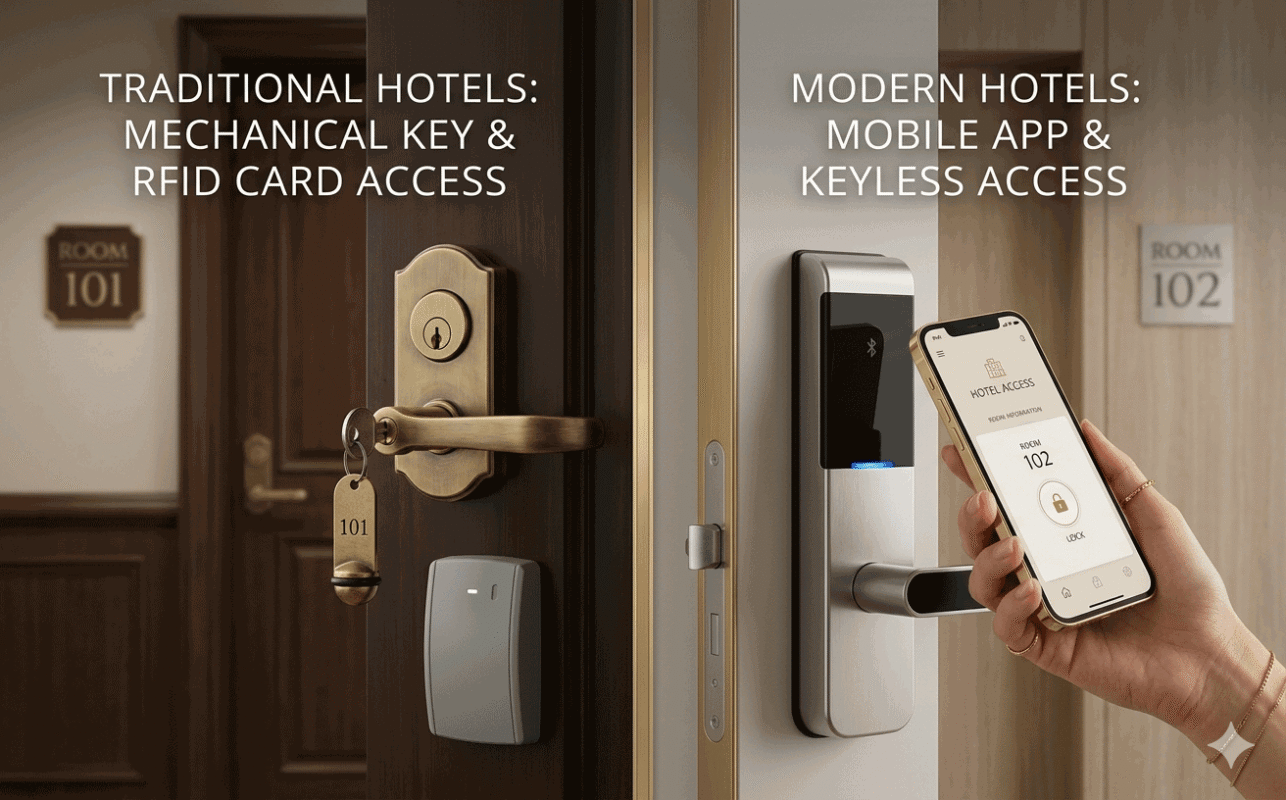
- RFID card terminals
- Palm recognition devices
- Password verification
- Mobile GPS attendance
- Tablets and Android devices
These attendance devices are installed in workplaces, construction sites, schools, retail stores, vehicles, security checkpoints, or remote outdoor locations.
Modern attendance devices may support:
- LAN connections
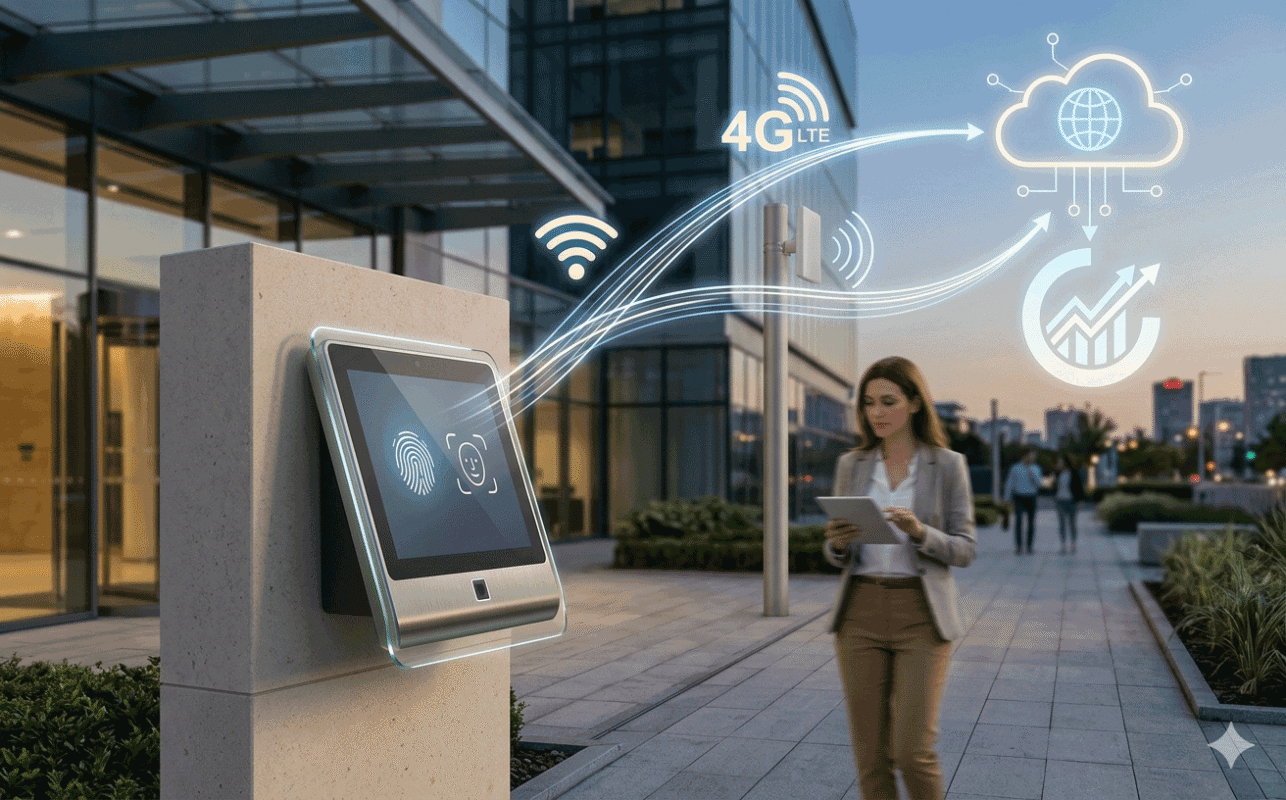
- WiFi communication
- 4G mobile networks
- Backup battery systems
- Automatic network reconnection
This allows attendance systems to operate even in unstable outdoor network environments.
Step 2: Attendance Data Transmission to Cloud Servers
Once attendance records are collected, the attendance devices automatically send attendance data to cloud servers through the internet.
Cloud attendance devices can continuously communicate with servers in real time.
If internet connectivity is temporarily interrupted, advanced attendance terminals can:
- Store attendance data locally
- Automatically reconnect to servers
- Resend delayed attendance records
This is especially important for:
- Construction sites
- Outdoor security operations
- Remote locations
- Transportation vehicles
- Mobile workforce operations
Real-time synchronization ensures attendance data is always updated and accessible.
Step 3: Cloud Server Processing
After attendance data reaches the cloud servers, the system automatically processes attendance information using predefined attendance rules.
The cloud server typically handles:
- Attendance calculations
- Shift management
- Overtime calculations
- Late arrival detection
- Leave processing
- Flexible work schedules
- Multi-timezone attendance
- Attendance exception handling
Cloud servers can process attendance records continuously without requiring manual intervention.
Unlike traditional attendance systems, managers do not need to manually download attendance data from devices and generate reports manually.
Step 4: Employee and Personnel Management
Modern cloud attendance systems are not just simple clock-in platforms.
They often include complete personnel management workflows.
For example:
Employee Registration
When a new employee is added:
- Employee information is created in the system
- Attendance permissions are assigned
- Device access rights are configured
- Biometric registration data is synchronized to related attendance devices
Employee Department Transfer
If employees move to different departments or branches:
- Old attendance device permissions can be removed automatically
- New device permissions can be assigned automatically
- Attendance rules can update dynamically
Employee Resignation or Leave
When employees leave the organization:
- Device attendance permissions can be removed automatically
- Historical attendance records remain preserved
- Former employee data can be archived for future reference
This greatly reduces administrative workload.
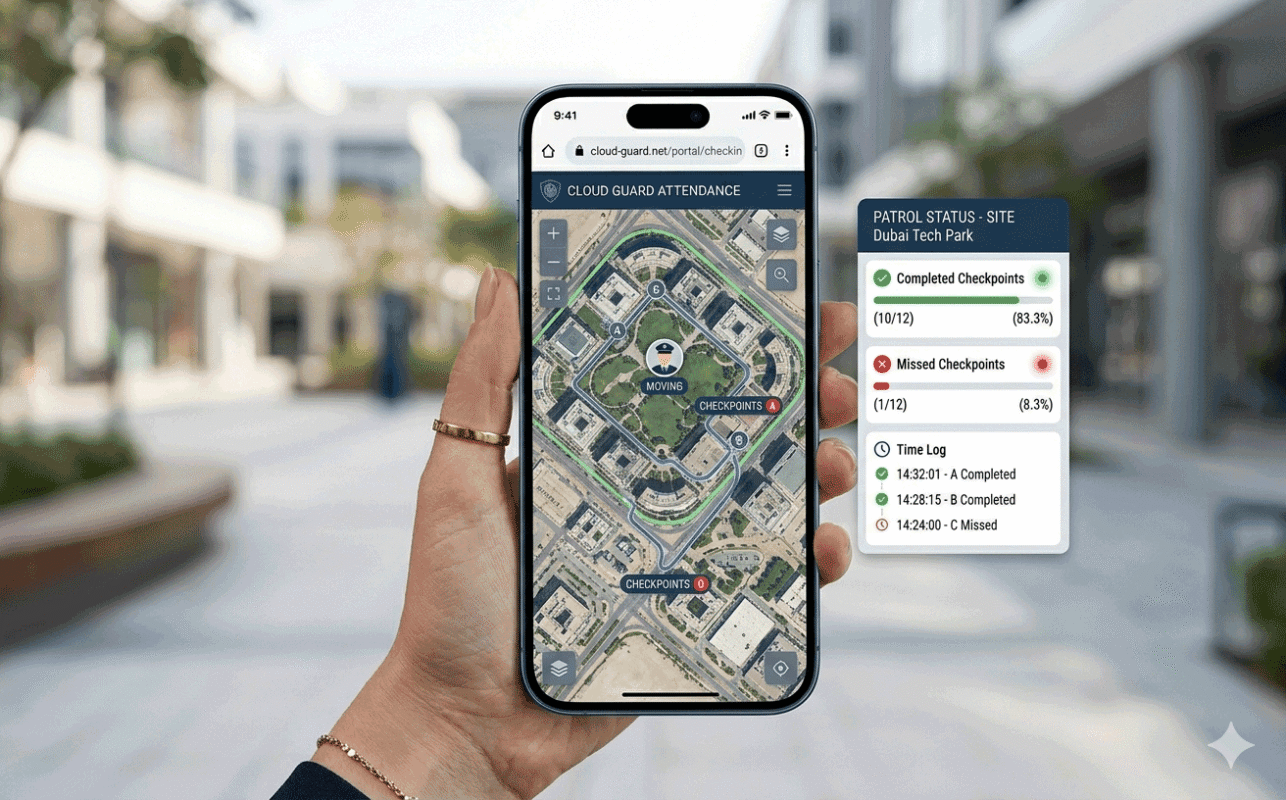
Step 5: GPS Attendance Tracking
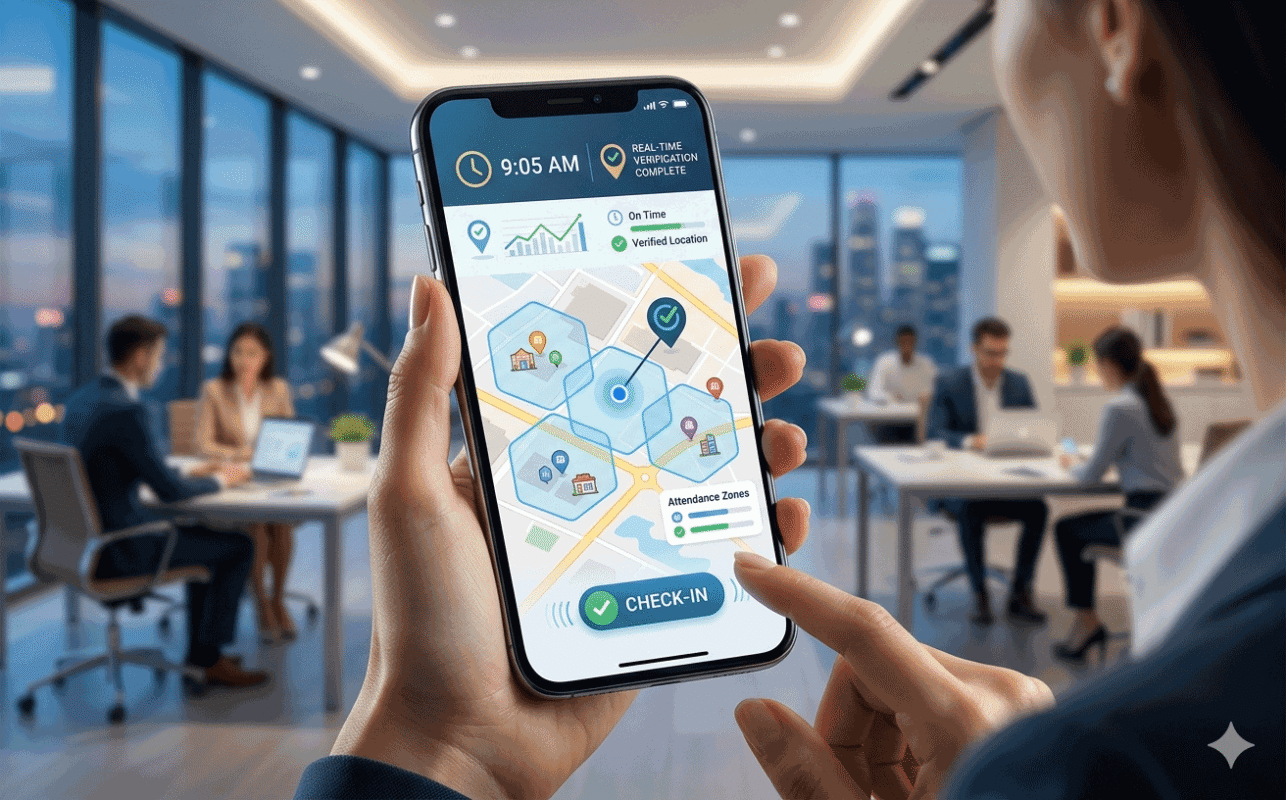
GPS attendance is one of the most important features of modern cloud attendance systems.
Employees can use smartphones or tablets to check in from approved work locations.
Managers can configure:
- Attendance locations
- GPS attendance radius
- Time restrictions
- Department permissions
- Photo verification
- Attendance schedules
The system can verify whether employees are physically present at authorized attendance locations.
This is especially useful for:
- Field employees
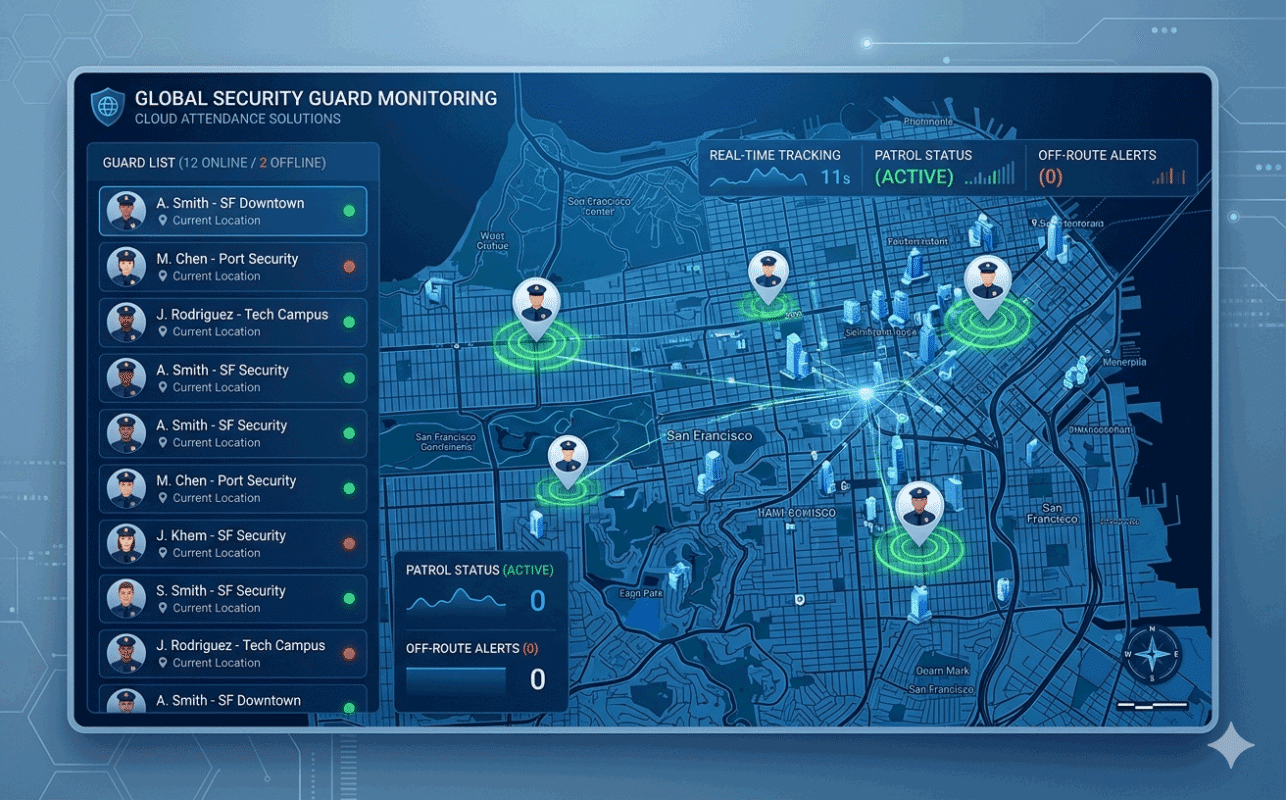
- Security patrol teams
- Construction workers
- Delivery staff
- Mobile service teams
- Temporary workforce deployments
Managers can also view attendance locations directly on maps.
Step 6: Employee Self-Service Access
Employees can access their own attendance accounts through web browsers or mobile devices.
Employees can:
- View attendance records
- Check schedules
- Submit leave requests
- Apply for overtime
- View approval results
- Access attendance reports
- Use GPS attendance features
- Review original attendance logs
This improves transparency and reduces communication delays between employees and HR departments.
Step 7: Permission and Role Management
Cloud attendance systems usually support advanced permission management structures.
Organizations can assign permissions based on:
- Departments
- Teams
- Branches
- Schools
- Regions
- Functional modules
For example:
- Branch managers can manage branch employees
- HR managers can handle personnel records
- Supervisors can view team attendance
- Clients can access outsourced workforce reports
This allows businesses to safely share attendance data without management conflicts.
Step 8: Real-Time Attendance Reporting
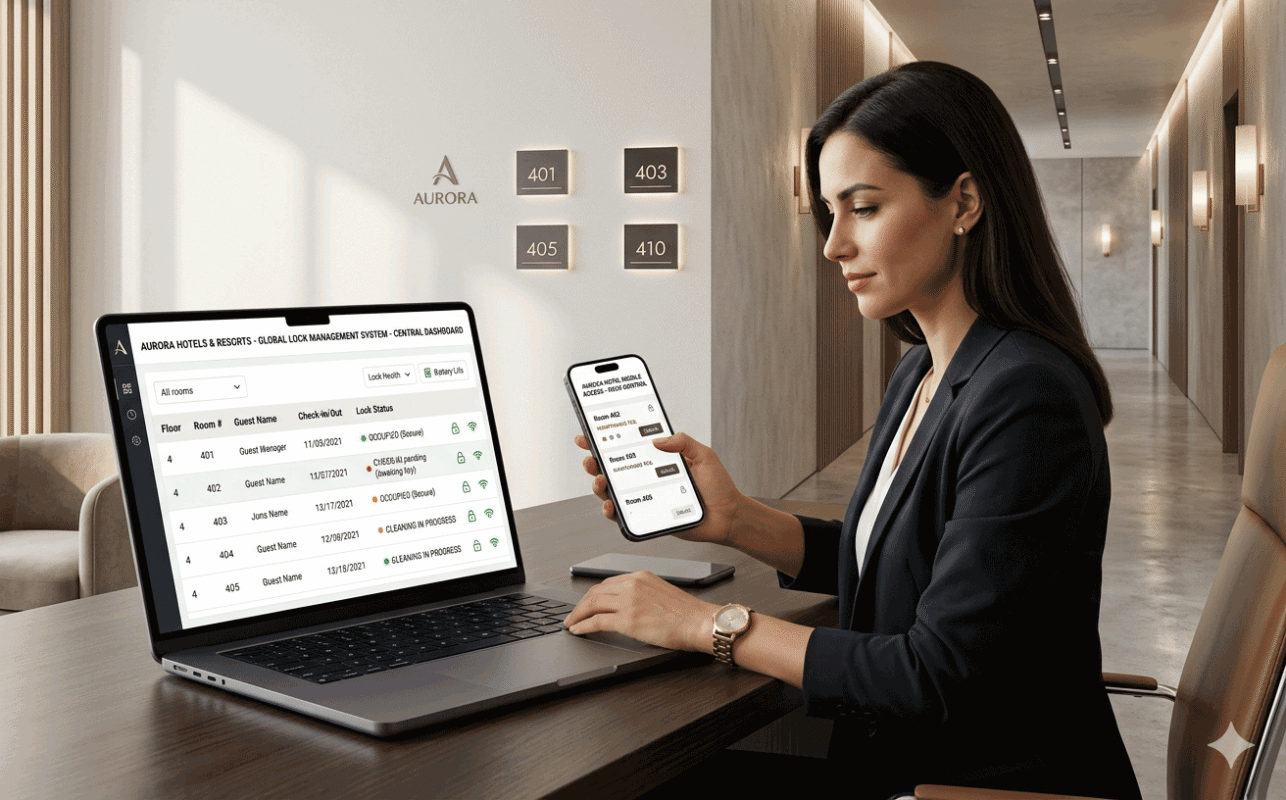
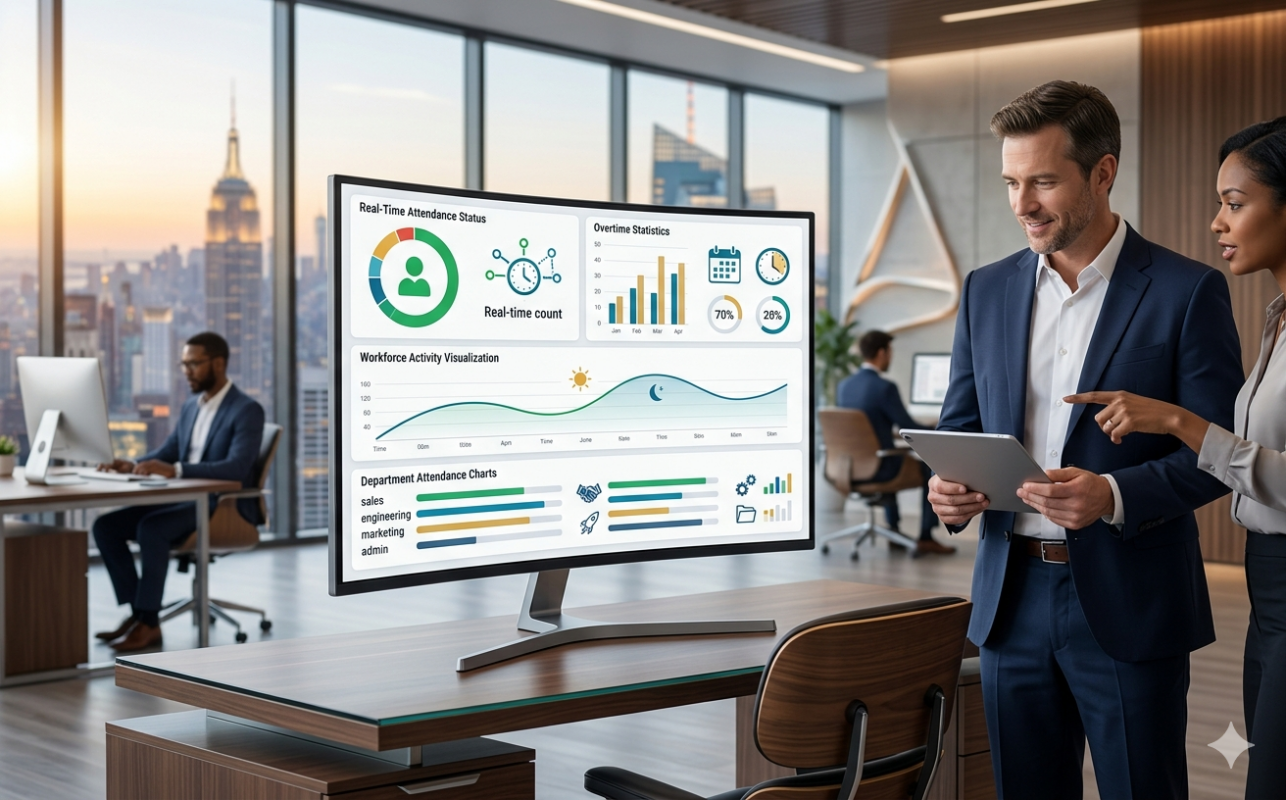
Cloud attendance systems automatically generate real-time attendance reports and analytics.
Managers can view:
- Daily attendance reports
- Weekly summaries
- Monthly attendance statistics
- Attendance exceptions
- Overtime reports
- Department performance statistics
- Attendance trend analysis
- Workforce visualization dashboards
Visual attendance dashboards help businesses quickly identify workforce problems and attendance abnormalities.
Recommended Solution
EPORDO provides advanced cloud attendance solutions designed for remote workforce management, biometric attendance tracking, GPS attendance monitoring, and multi-location operations.
Our cloud attendance system supports:
- Face recognition attendance devices
- Fingerprint attendance terminals
- GPS attendance tracking
- Employee self-service portals
- Real-time attendance monitoring
- Flexible scheduling management
- Multi-branch workforce management
- Advanced reporting and analytics
👉 Explore Our Cloud Attendance System Solution:
https://epordo.com/solutions/cloud-attendance-system/
Step 9: Centralized Multi-Location Workforce Management
One of the biggest advantages of cloud attendance systems is centralized workforce management.
Businesses can manage:
- Multiple branches
- Retail stores
- Construction projects
- Schools
- Security operations
- Outsourced workforce teams
from a single centralized system.
This is particularly valuable for organizations operating across cities, countries, or regions.
Why Cloud Attendance Systems Are Better Than Traditional Attendance Software
Traditional attendance software often depends on:
- Local office computers
- Manual report collection
- Offline processing
- Single-location management
- Manual software maintenance
Cloud attendance systems provide:
- Real-time attendance processing
- Remote access
- Mobile workforce management
- GPS attendance tracking
- Centralized reporting
- Automatic updates
- Better scalability
- Employee self-service functionality
This significantly improves operational efficiency.
Best Industries for Cloud Attendance Systems
Cloud attendance systems are widely used in industries such as:
- Security guard companies
- Construction projects
- Schools and universities
- Retail chains
- Cleaning companies
- Outsourcing businesses
- Transportation companies
- Manufacturing operations
- Logistics businesses
- Healthcare organizations
These industries often require real-time attendance tracking across multiple locations.
Final Thoughts
Cloud attendance systems are transforming how businesses manage workforce attendance by providing centralized, real-time, and scalable attendance management solutions.
Through biometric attendance devices, GPS attendance tracking, cloud servers, and employee self-service portals, businesses can improve workforce visibility, reduce administrative workload, and manage distributed teams more efficiently.
For organizations operating across multiple locations or remote environments, cloud attendance systems are becoming essential tools for modern workforce management.