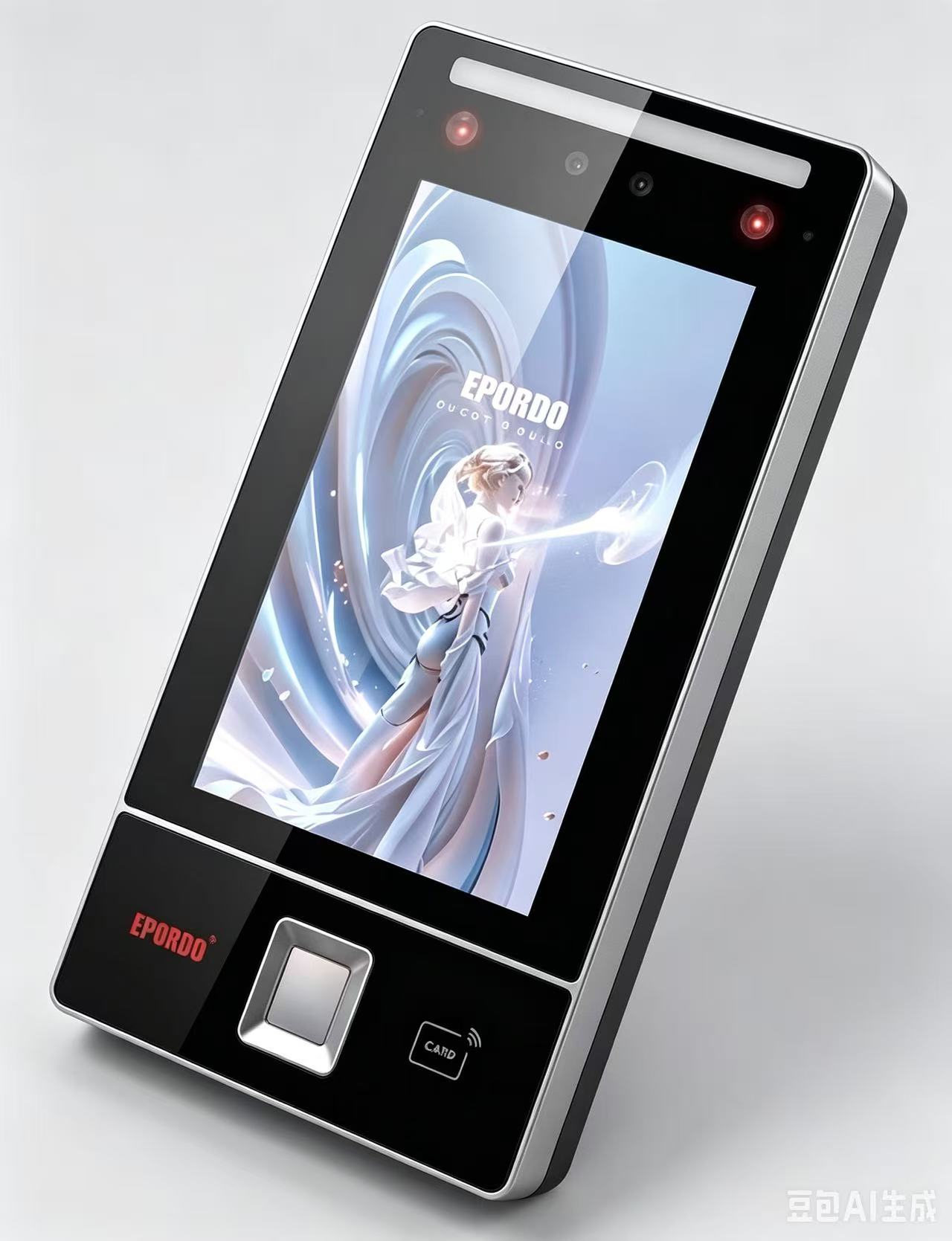
FP
Fingerprint
Fast, cost-effective for high-traffic doors and workstations—easy to combine with card or PIN.
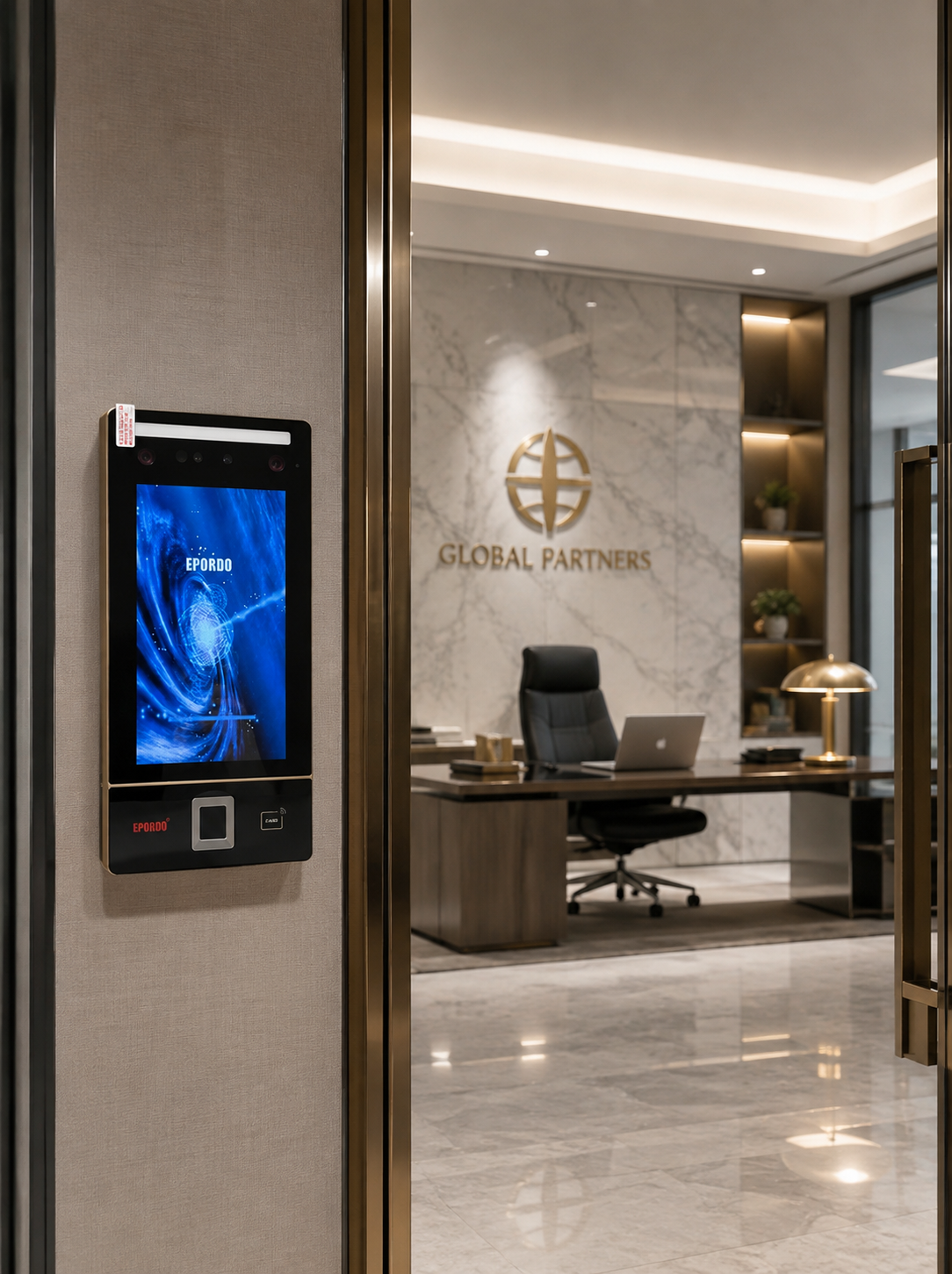
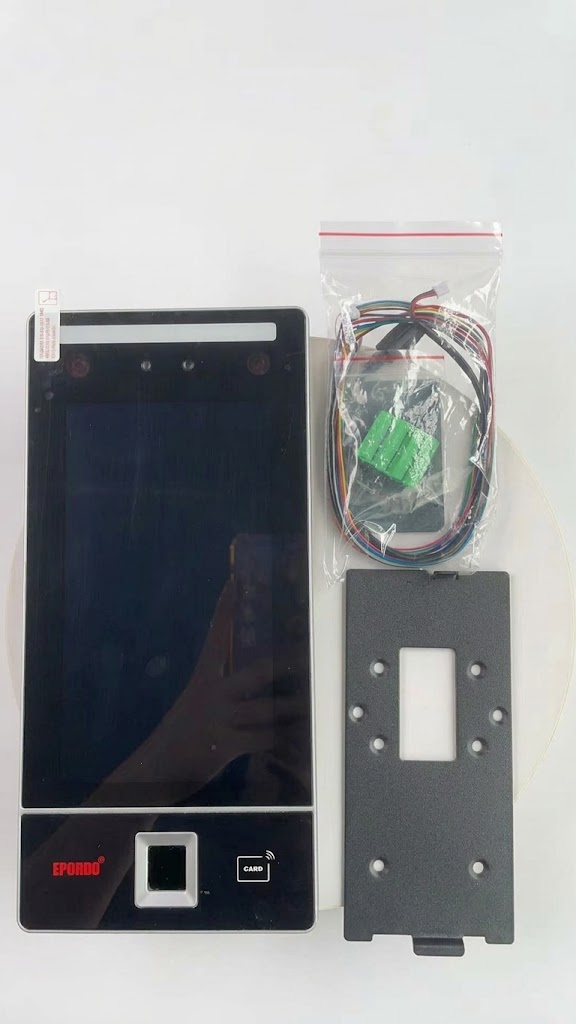
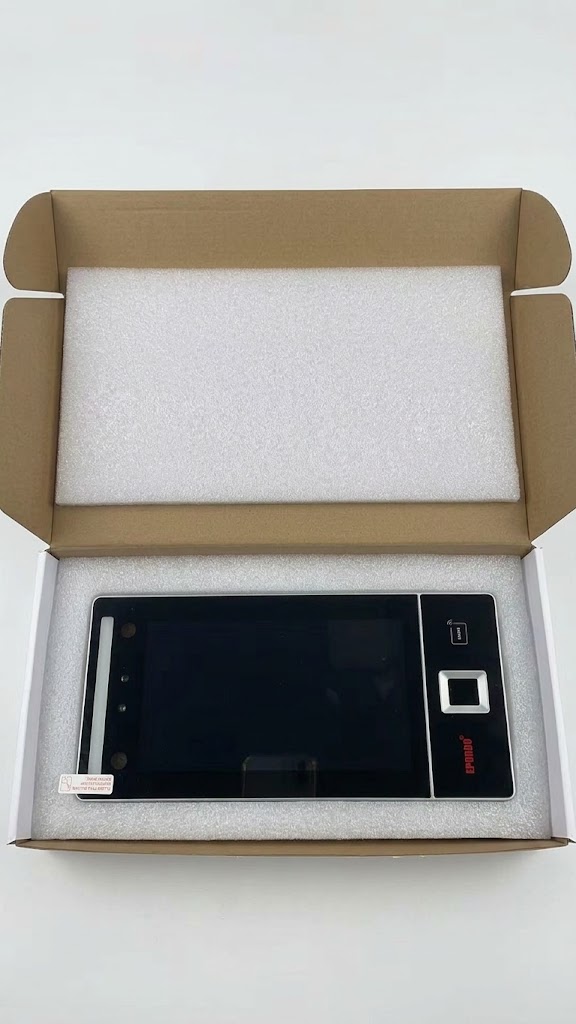
EPORDO P Series
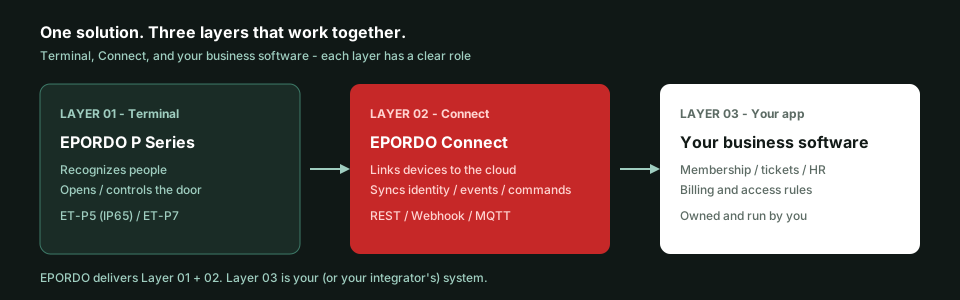
Terminals handle verification and door control. Connect handles connectivity and events. Business rules stay in your own systems. Connect devices. Unify identities. Control access. Capture every event.
How it fits together
Not just a reader. Not just an API kit. Field recognition, platform connectivity, and your business apps work as one solution—with responsibilities that stay easy to explain.
02 · Identity
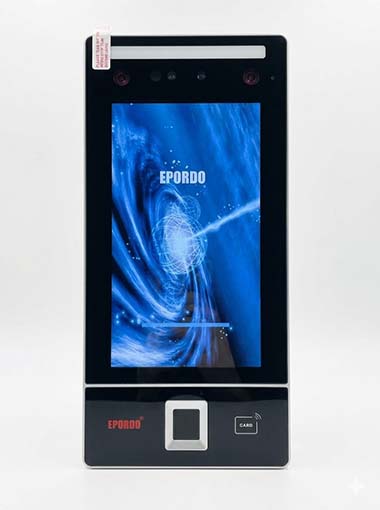
P Series terminals complete verification and door control on site. Fingerprint, face, palm, RFID, and PIN can be enabled per hardware configuration. Results and enrollments flow through Connect into your business systems.
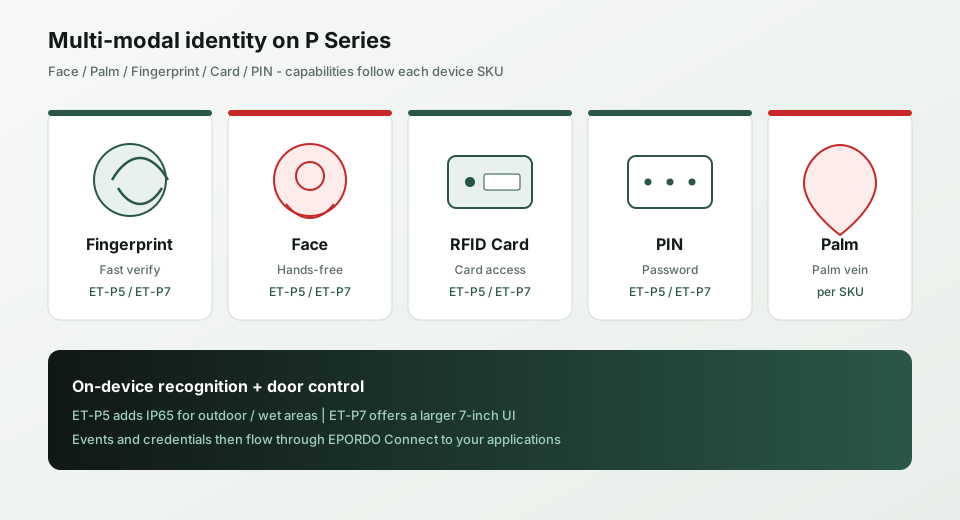
Fast, cost-effective for high-traffic doors and workstations—easy to combine with card or PIN.
Contactless flow for lobbies, reception desks, and membership entrances that need quick checks.
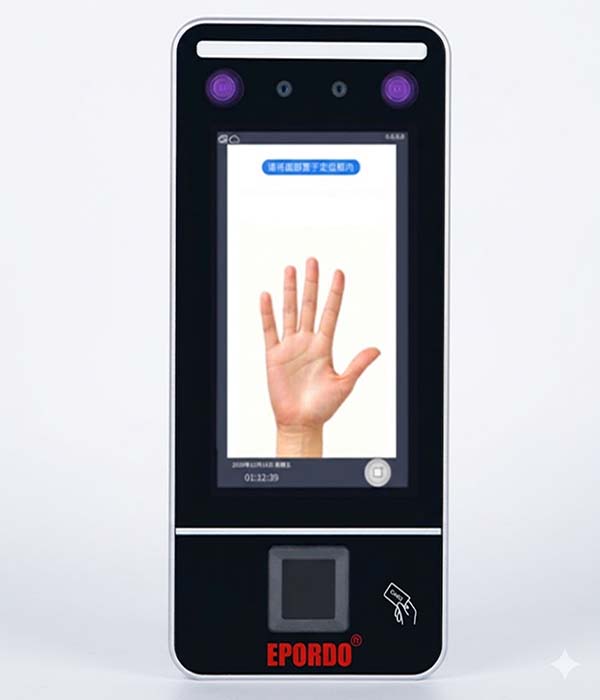
Palm biometrics for doors that need a cleaner, more hygienic experience (when the unit supports it).
Fits existing badge and membership-card habits without forcing a rip-and-replace.
A practical backup or emergency path alongside biometrics and cards.
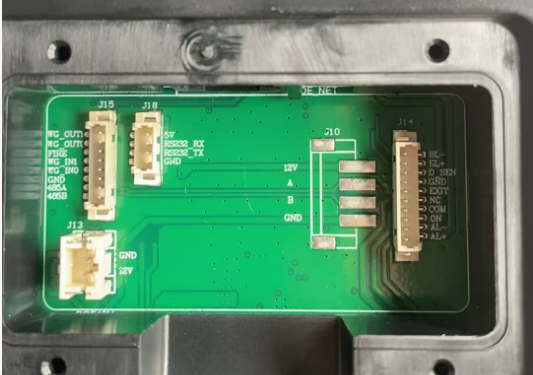
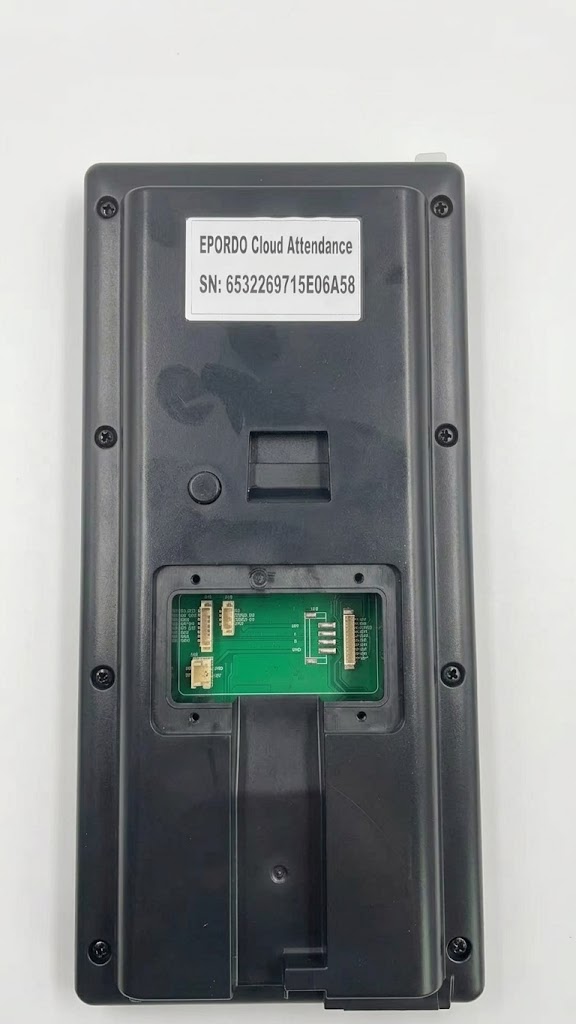
Supported modalities depend on each model’s hardware. One Connect tenant can manage both ET-P5 and ET-P7. For outdoor lanes, prioritize the IP65-rated ET-P5.
03 · Centralized Identity
HQ, branches, and stores plug into one Connect tenant. Enroll once on a device, then push supported credentials to compatible units—less re-enrollment at every door.
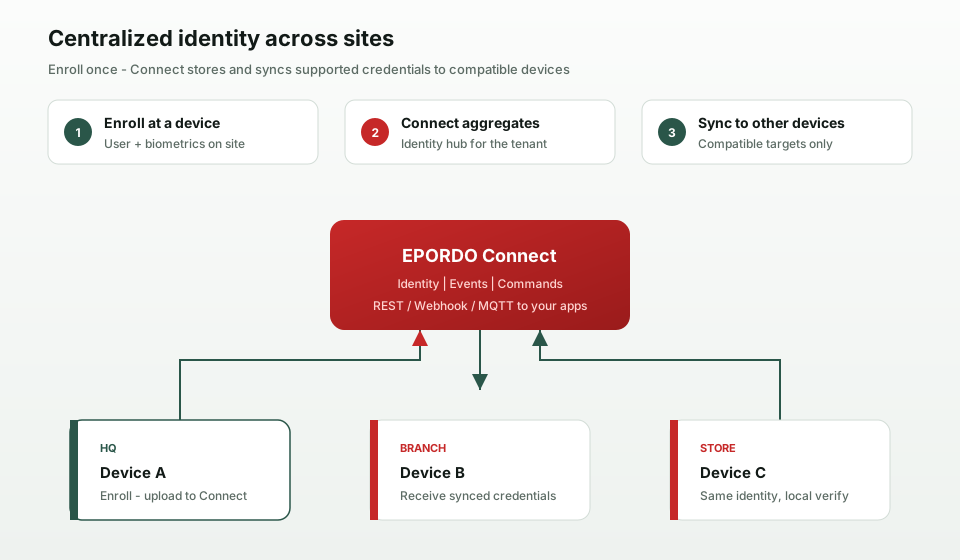
Enrollment data reaches Connect from the device. Your ops team can push by device or group. Local verification stays on the terminal; events return to the center and your business apps.
We sync supported identity credentials across compatible devices. Biometric algorithms and template formats can differ by model—project delivery follows real hardware compatibility.
04 · EPORDO Connect
Connect is not your membership or payroll product—and not “another attendance suite.” It connects devices, identities, events, and commands so P Series terminals work with the systems you already run.
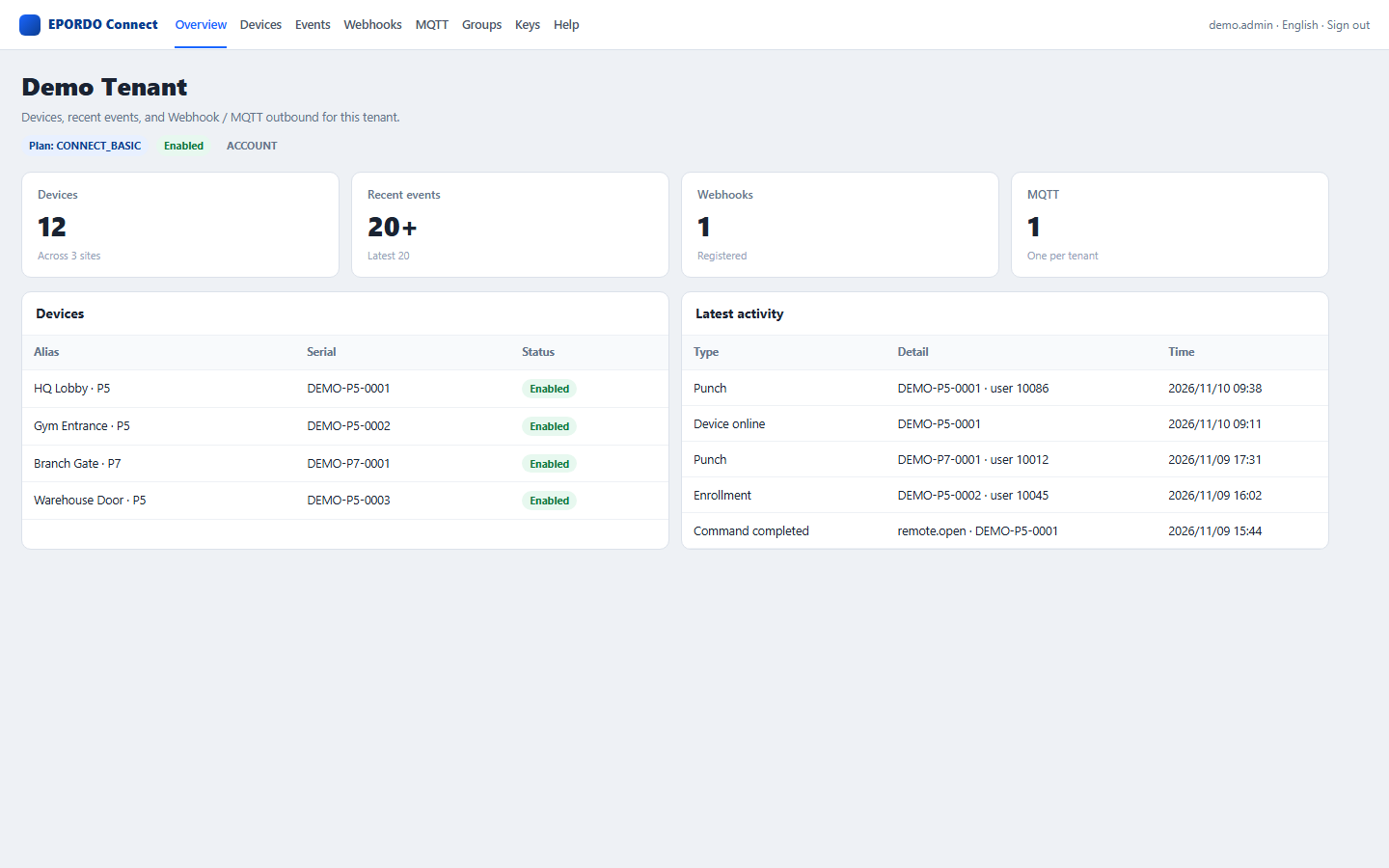
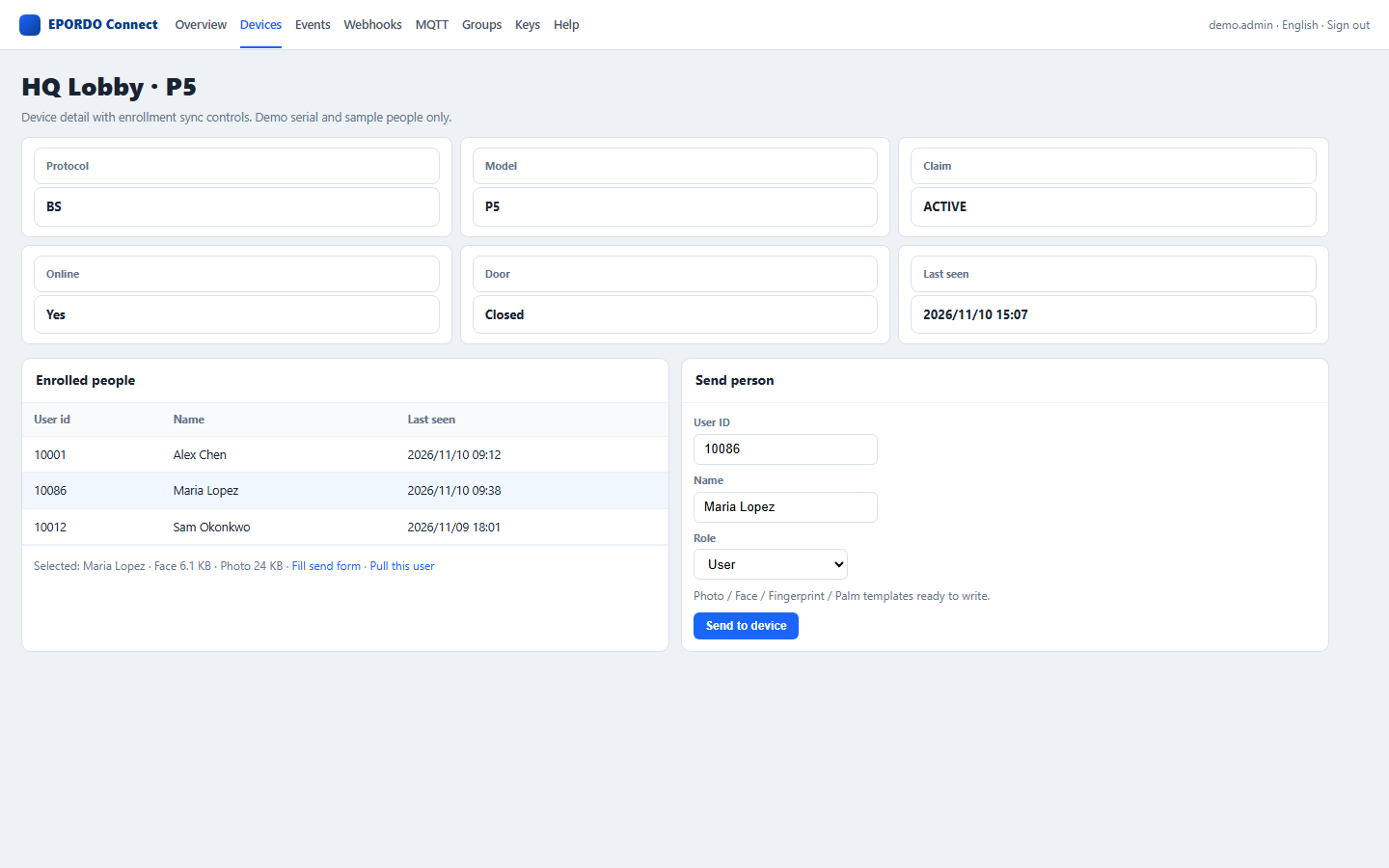
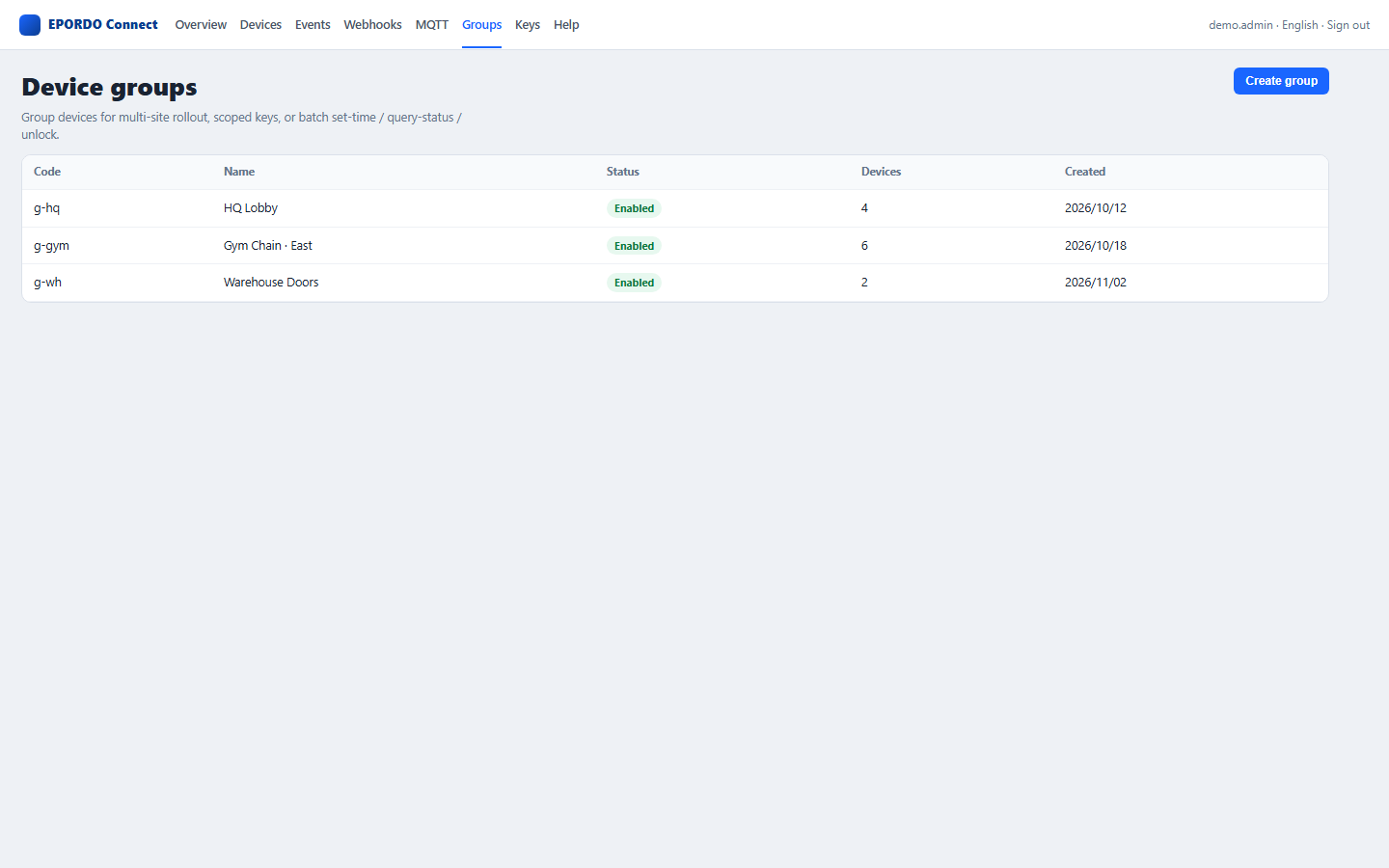
Register, group, and watch online / offline status across every site.
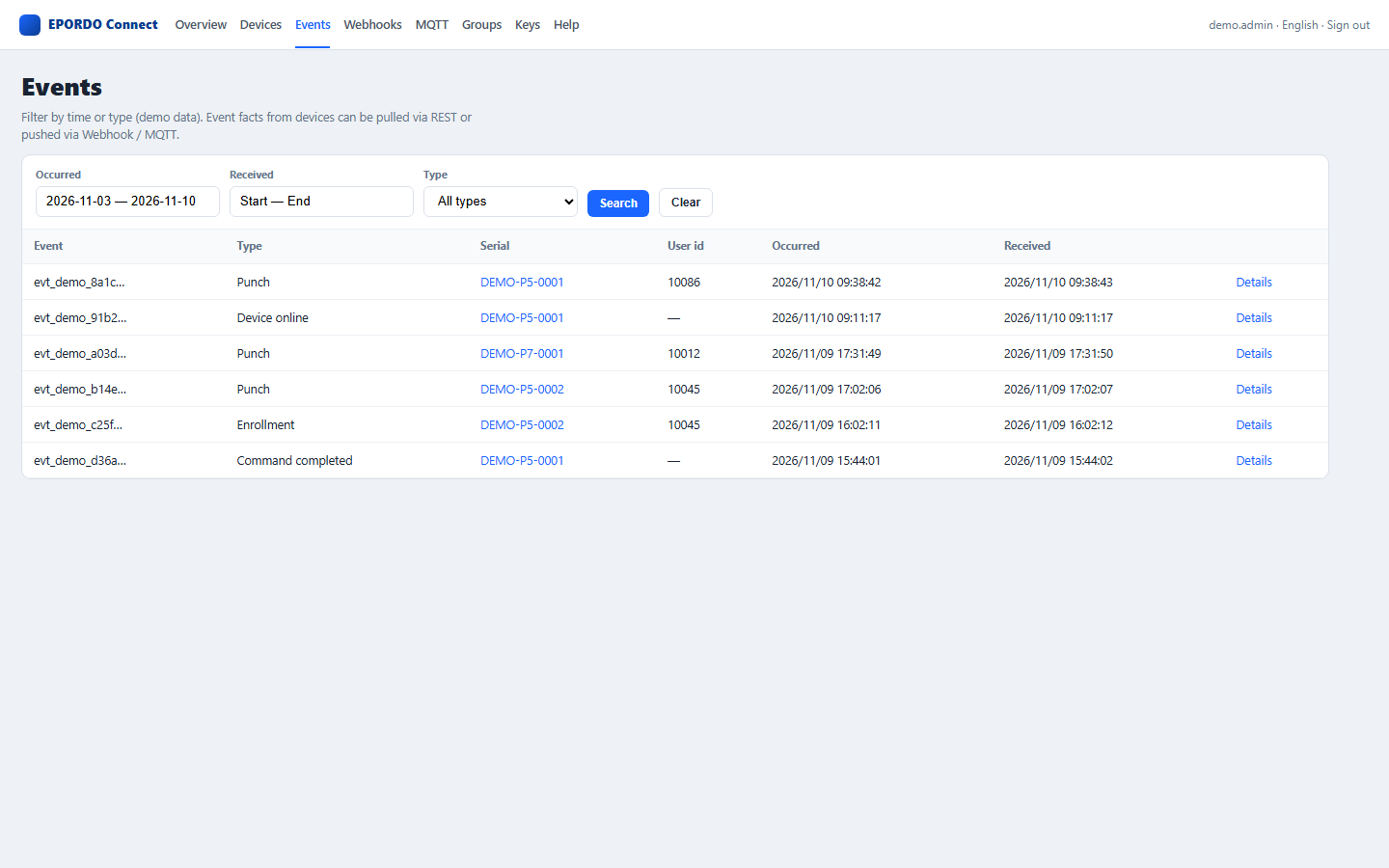
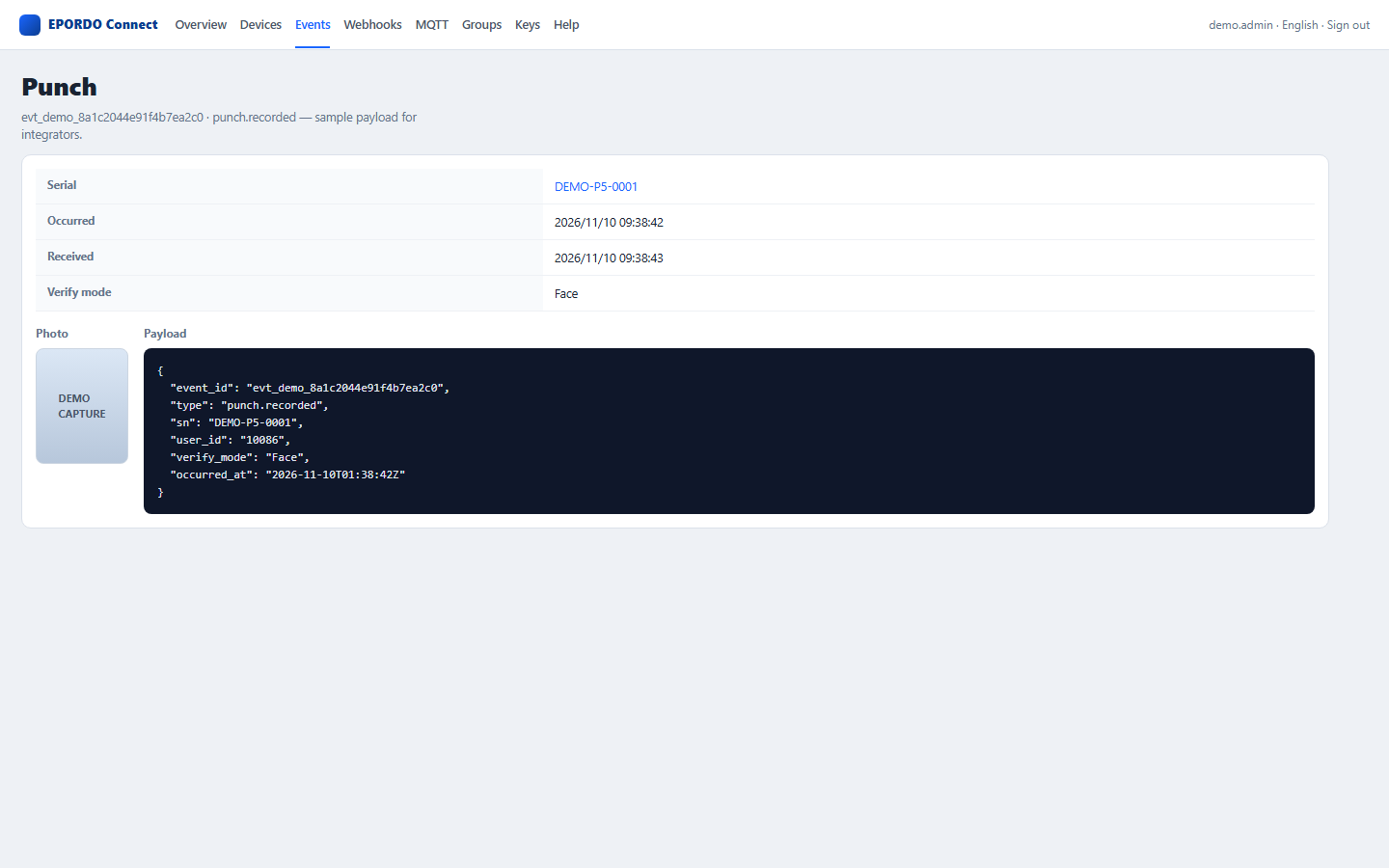
Granted / denied verification, enrollment, door activity, and remote-action results.
Push or delete users, set time zones, pull logs, and run remote door open.
Reception or security can release a door from the center and confirm the result.
Tenant login to review events, configure channels, and download integration docs.
REST, Webhook, and MQTT connect device capability to your own applications.
05 · Integration
Once devices sit on Connect, pick REST, Webhook, or MQTT to match how you already build. One platform. Several ways in.
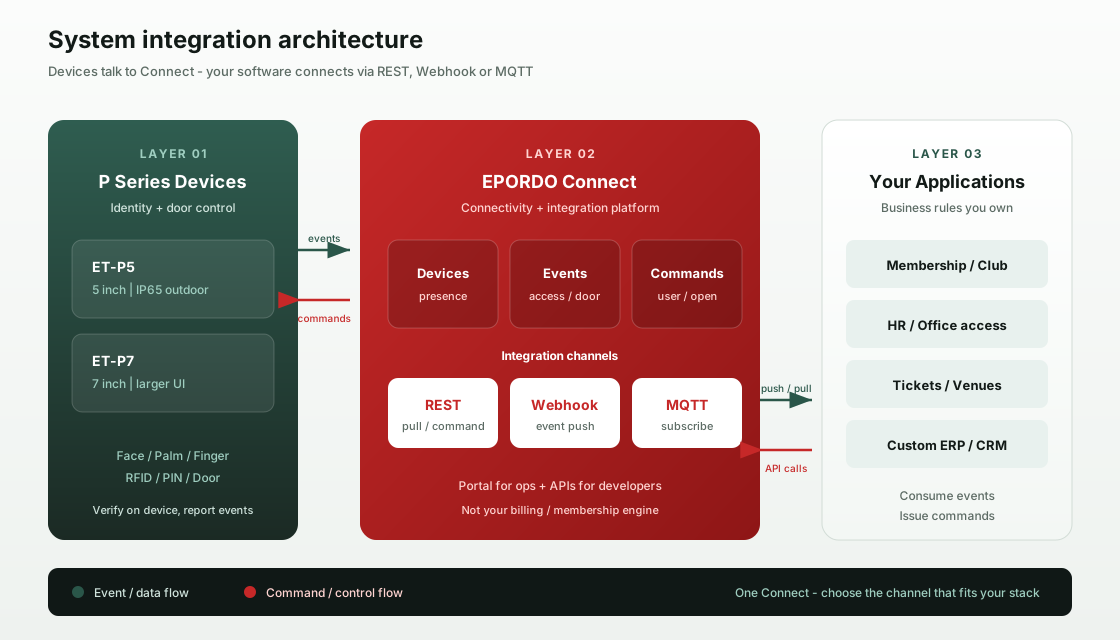
Query events, push users, and open doors on demand—ideal when your backend prefers to call.
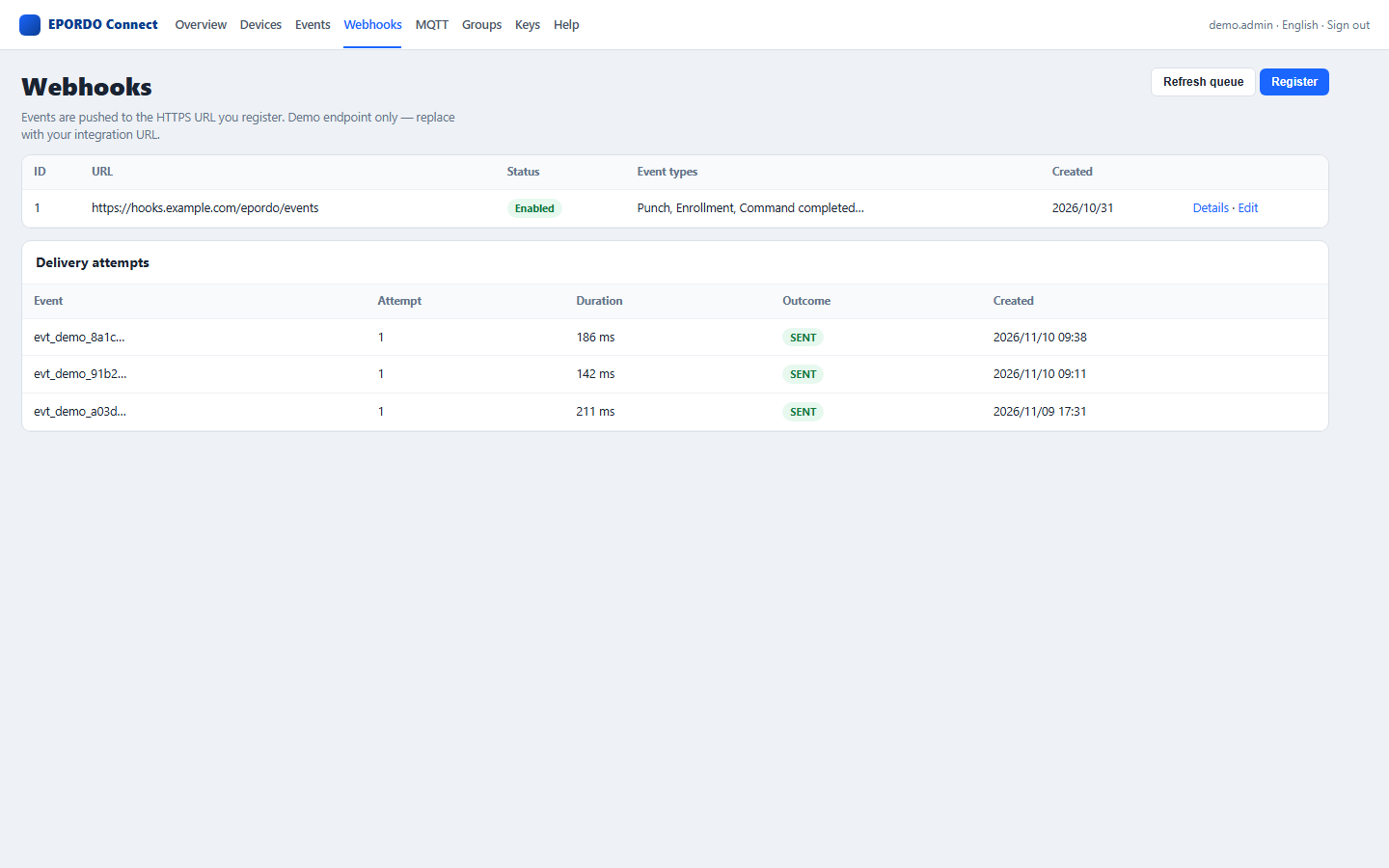
Connect posts to your HTTPS URL so near-real-time actions (deduct visits, notify, tickets) fire when events land.
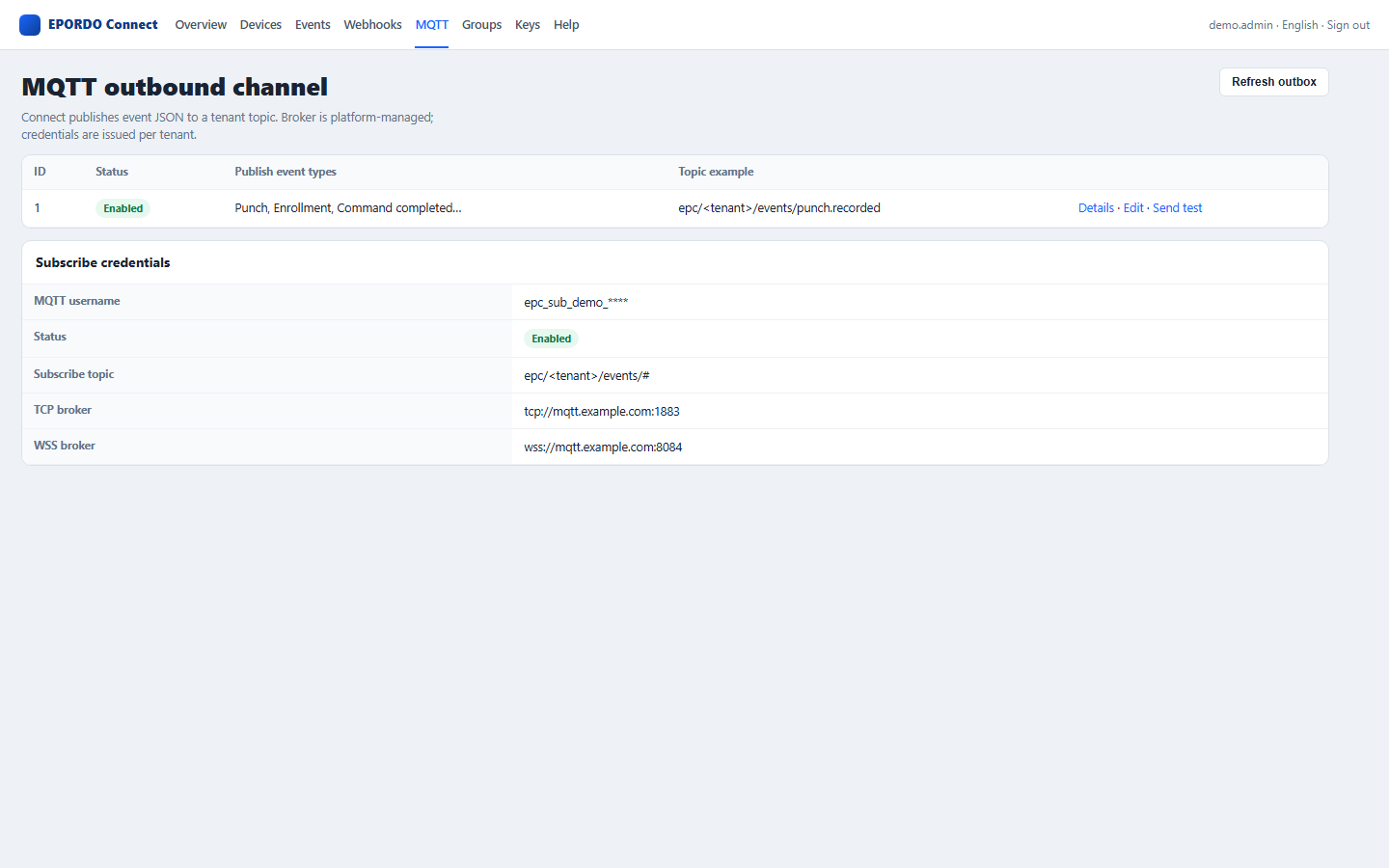
Long-lived subscriptions for teams that already run an MQTT bus across sites and services.
06 · Scenarios
Same playbook—terminals + Connect + your apps—swap the business rules for the industry. Four common project patterns:
Gyms, training centers, clubs: members verify by face or card at any authorized store.
Enroll at HQ; branch devices join the same Connect tenant. IT and facilities see online state and denied attempts.
Hotels, schools, parks, mixed-use towers: group devices by zone. Who enters which zone stays in your ACL system.
Shows, events, training halls, self-service centers: pass facts drive redemption, prompts, and reports in your systems.
Model tip: outdoor or wet environments favor ET-P5 (IP65); larger operator UI favors ET-P7 (~7"). Both join the same Connect platform.
07 · Developers
This page sells the solution story. Auth, fields, commands, and error codes live in the public API guide and the Connect portal.
REST auth, events, Webhook / MQTT, canonical commands, and error codes for integrator and customer engineering teams.
Download API guide PDF →After onboarding, review devices and events, configure Webhook / MQTT, and grab docs from Help.
Open Connect portal →Four-page A4 brochure for channel use; ask sales for a sandbox tenant or joint integration support.
Download product brochure PDF →Membership billing, shift payroll, and approvals stay in your apps. Connect supplies device-side facts and controllable actions.
See integration architecture →Download the brochure, request a quote, or talk to sales and channel managers. You can also explore the live Connect portal.