
Target
Who Is This For
- Access Control System Integrators
- Security Solution Providers
- Technical Engineers
- IT Administrators
- Facility Management Teams
- Building Security Managers
- Access Control Installers
- System Maintenance Engineers
INSIGHTS
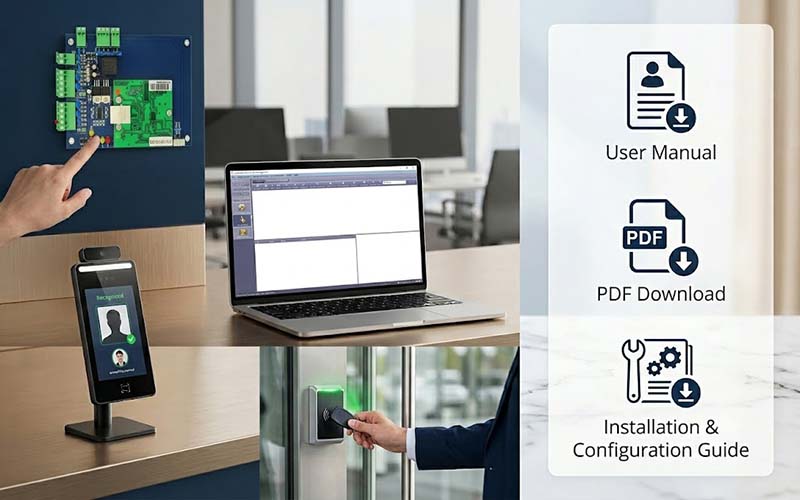
What’s Inside This File
- Software Installation Guide
Complete instructions for installing and launching the access control management software. - Controller Configuration
Learn how to add controllers on local networks, across subnets, and through the internet. - User & Permission Management
Configure departments, users, cards, access levels, and permission groups. - Facial Recognition Setup
Enroll facial recognition devices and upload user facial data. - Door Control Settings
Configure door opening delay, access methods, and operational modes. - Remote Door Control
Open one door, multiple doors, or all doors remotely through software. - Real-Time Monitoring
Monitor card swipes, alarms, door status, and events in real time. - Record Query & Reporting
Review access records, event logs, and controller activities. - Database Backup & Restore
Protect system data with backup and recovery procedures.
Frequently Asked Questions
Is this manual free?
Yes. This user manual is available for free download.
What does this manual cover?
The manual covers software installation, controller setup, user management, facial recognition configuration, door settings, remote control, monitoring, and database backup.
Who should read this manual?
System integrators, installers, engineers, IT administrators, and organizations deploying EPORDO access control systems.
Does this manual include controller configuration instructions?
Yes. The guide explains how to add and configure controllers on local networks, across subnets, and over the internet.
Does the manual explain user permission management?
Yes. It includes card enrollment, department management, access authorization, permission duplication, and permission removal procedures.
Does this manual include facial recognition setup?
Yes. The guide explains device enrollment, facial photo registration, photo upload, synchronization, and user management.
Can I use this guide for commercial projects?
Yes. This manual is intended for organizations deploying and managing commercial access control systems.
Is technical knowledge required?
Basic networking and access control knowledge is recommended, but the manual provides step-by-step instructions for deployment and configuration.
Need help setting up your system,Need a complete solution?
We provide full technical support and customerized solutions.