
Target
Who Is This For
- HR Managers
- IT Administrators
- Office Administrators
- Cloud Attendance System Integrators
- Technical Engineers
- Attendance Device Installers
- Cloud Attendance Resellers
- Multi-Branch Business Managers
- Factory Attendance Supervisors
- First-Time Cloud Attendance Users
INSIGHTS
What’s Inside This File
- Quick Deployment in 13 Simple Steps
Learn the fastest way to install and configure your EPORDO cloud attendance system from device setup to employee attendance. - Connect Your Attendance Device
Configure the terminal using Ethernet or WiFi and register your cloud account with the device Cloud SN. - Configure Your Cloud Platform
Set the region, time zone, departments and device assignments before adding employees. - Employee Synchronization
Create employee profiles in the cloud software and synchronize names automatically to the attendance terminal. - Register Face & Fingerprint
Enroll biometric data only after employee information has synchronized successfully from software to hardware. - Real-Time Attendance
Attendance records are uploaded automatically to the cloud platform for instant reporting and management. - Employee Self-Service
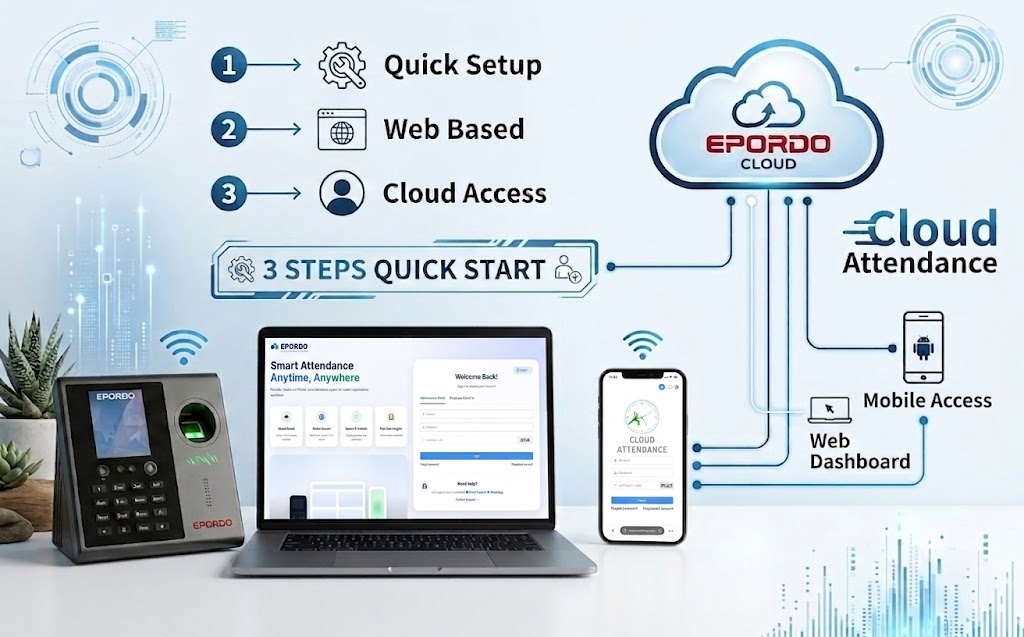
Employees can check attendance records, submit leave requests and apply for overtime through the online portal. - Web-Based Cloud Attendance
No software installation required. Manage attendance devices from your PC, tablet or smartphone.
Frequently Asked Questions
Is this Quick Start Guide free?
Yes. This Quick Start Guide is available as a free PDF download.
What does this guide cover?
It explains how to connect the device, register the cloud account, configure departments, synchronize employees and start attendance in 13 easy steps.
Is this a complete user manual?
No. This document is a Quick Start Guide designed to help new users complete the initial setup quickly. For advanced features, please refer to the full User Manual.
Does this guide require software installation?
No. EPORDO Cloud Attendance is web-based and does not require local software installation.
Can I manage the system from my phone?
Yes. The cloud platform can be accessed using a PC, tablet or smartphone browser.
Can one account manage multiple attendance devices?
Yes. One cloud account can manage multiple attendance terminals and monitor their online status.
Can employees check their attendance online?
Yes. Employees can use the self-service portal to view attendance records and submit leave or overtime requests.
How long does the initial setup take?
Most customers can complete the basic setup in approximately 15 minutes by following the 13-step guide.
Need help setting up your system,Need a complete solution?
We provide full technical support and customerized solutions.