
Target
Who Is This For
- IT Administrators
- System Integrators
- Technical Engineers
- Security Installers
- Attendance System Distributors
- Biometric Device Resellers
- Office Managers
- Technical Support Teams
INSIGHTS
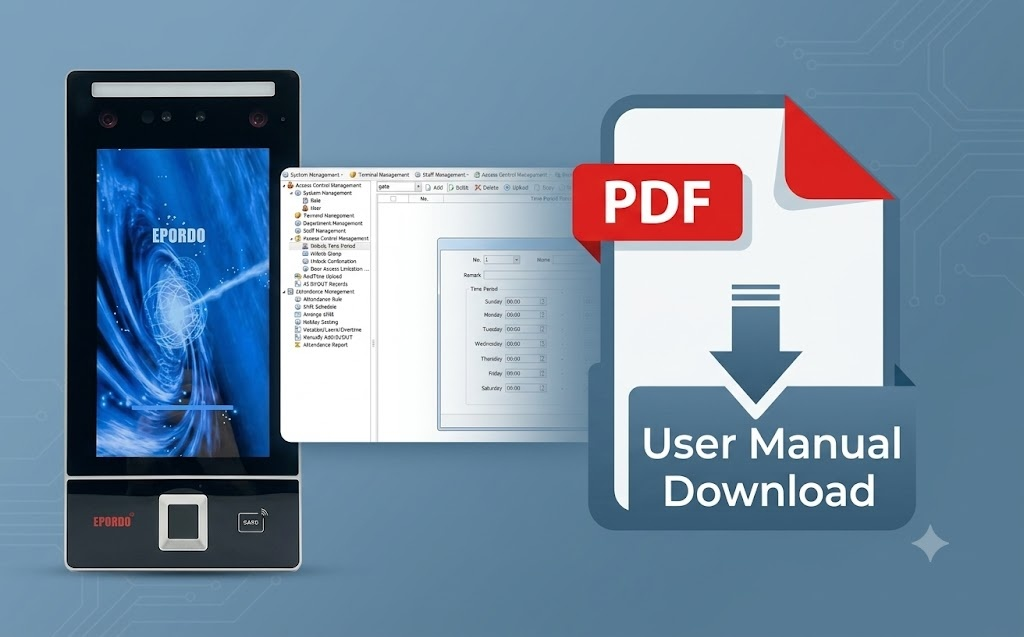
What’s Inside This File
- Complete Software Installation Guide
Learn how to install and configure the EPORDO PC attendance software. - Device Connection Instructions
Connect fingerprint, face recognition and RFID attendance terminals through TCP/IP, USB or RS232/485. - Employee & Department Management
Create departments, add employees and manage user permissions efficiently. - Attendance Rules Configuration
Configure shifts, attendance rules, holidays, overtime and leave settings. - Real-Time Attendance Monitoring
Monitor attendance records and synchronize data instantly. - Attendance Reports
Generate attendance reports quickly for payroll and workforce management. - Access Control Configuration
Manage unlock schedules, access groups and access permissions. - Database Backup & Restore
Protect attendance records with backup and recovery functions.
Frequently Asked Questions
Is this EPORDO PC software user guide free to download?
Yes, it is 100% free. This official manual helps you install and manage the free local PC-based (non-cloud) time attendance and access control management system.
Can I use this software and guide for commercial projects?
Yes, you can utilize this guide to configure security hardware for commercial sites, office buildings, and residential integration projects deploying EPORDO systems.
What communication types does the software support according to the manual?
The manual provides complete troubleshooting for TCP/IP wired connections, direct USB data transfer (via U-disk), and RS232/RS485 connections.
Does the software support multiple languages?
Yes, the guide shows how to easily toggle the system interface between English, Simplified Chinese, and Traditional Chinese.
Need help setting up your system,Need a complete solution?
We provide full technical support and customerized solutions.