Introduction
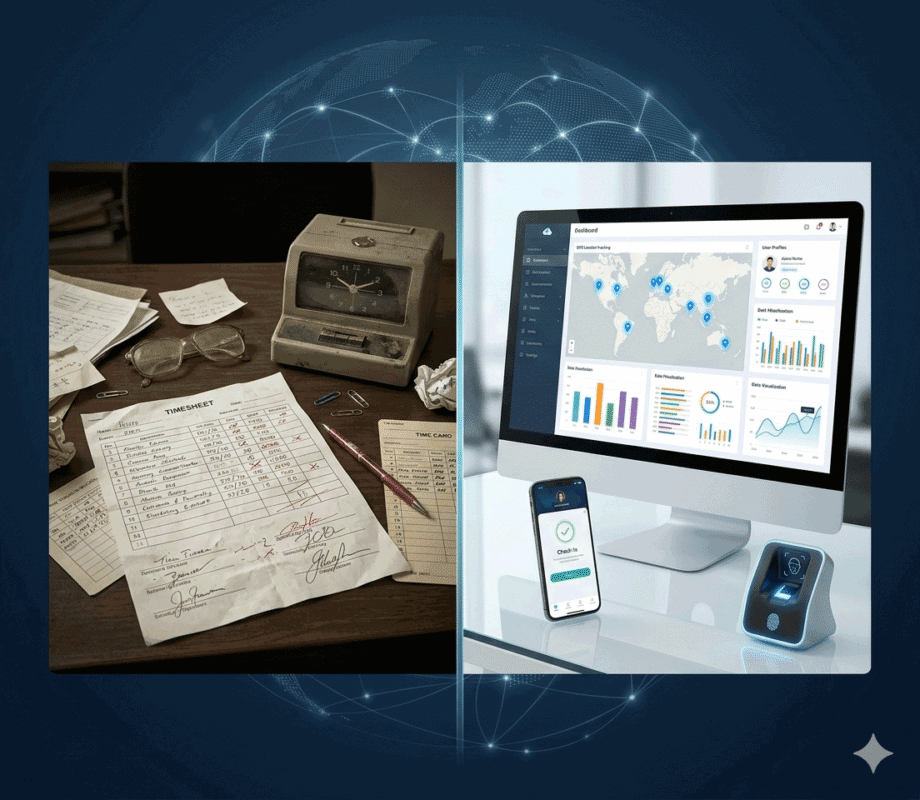
Employee attendance tracking has evolved significantly over the past decade. Traditional paper timesheets and manual attendance registers are being replaced by digital employee clock in systems that provide real-time attendance visibility and automated reporting.
Whether you manage office employees, field workers, retail staff, security guards, or construction workers, choosing the right employee clock in and out system can improve workforce efficiency and eliminate attendance-related problems.
What Is an Employee Clock In System?
An employee clock in system is a solution that records when employees start and finish their work shifts.
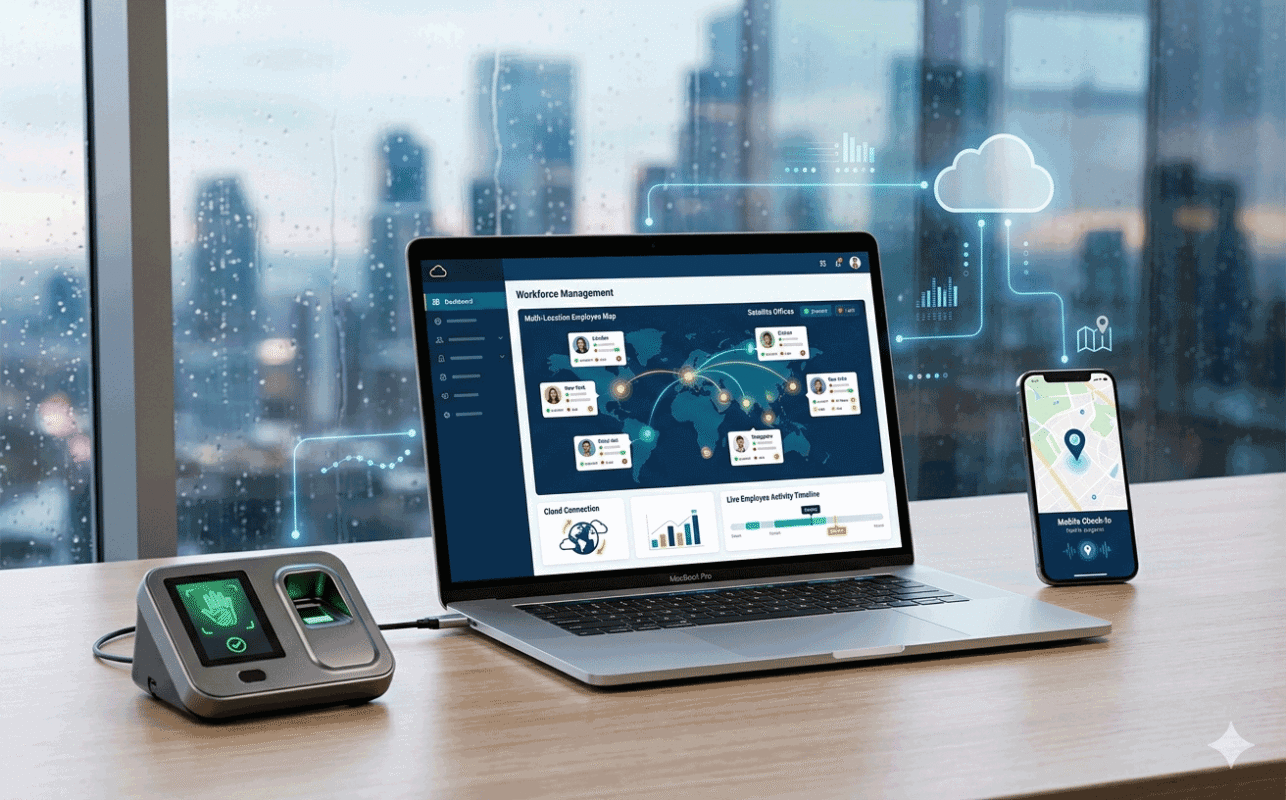
The system automatically captures attendance data and stores it in a centralized database for reporting, payroll processing, and workforce management.
A typical staff clock in system may include:
- Attendance devices
- Mobile attendance apps
- Cloud attendance software
- Employee management dashboard
- Reporting tools
Employees simply clock in when starting work and clock out when leaving, creating accurate attendance records.
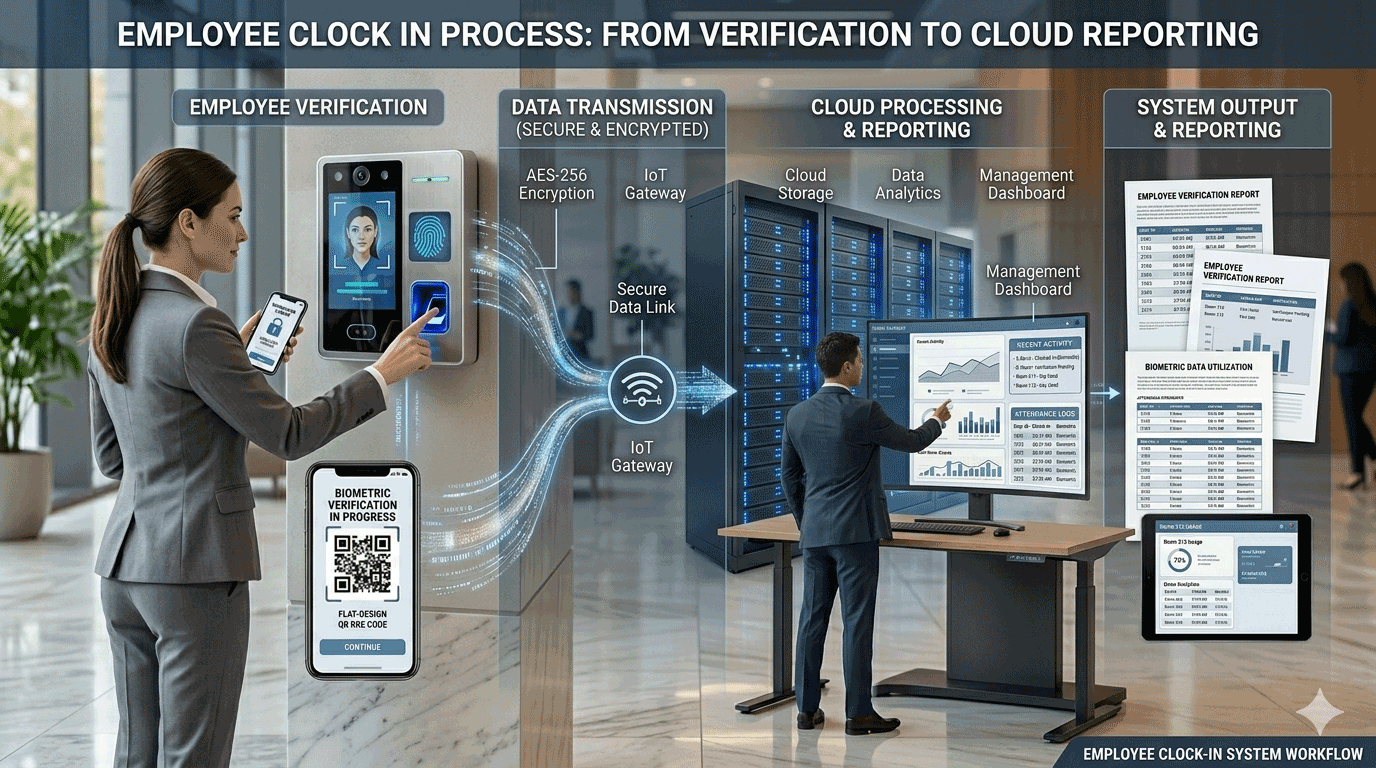
How Employee Clock In Systems Work
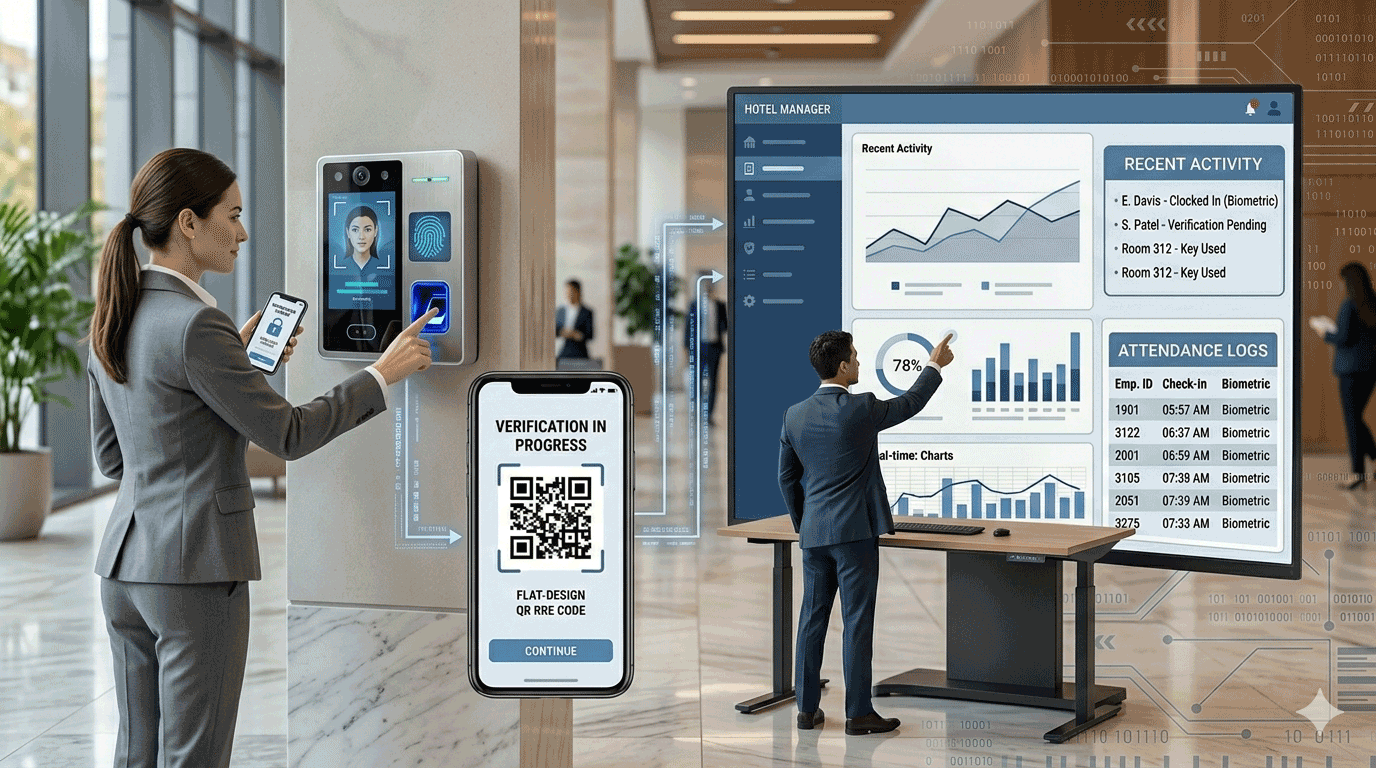
Most modern clocking in systems follow a simple workflow:
Step 1: Employee Identification
Employees verify their identity using:
- Fingerprint
- Face recognition
- RFID card
- Mobile app login
- GPS location
Step 2: Attendance Record Creation
The system records:
- Employee ID
- Date
- Time
- Location
- Verification method
Step 3: Data Synchronization
Attendance records are uploaded to cloud servers or stored locally depending on the system configuration.
Step 4: Reporting and Payroll
Managers can generate reports such as:
- Daily attendance
- Late arrivals
- Overtime hours
- Absence reports
- Payroll summaries
Recommended Solution
Cloud-Based Employee Clock In System from Epordo
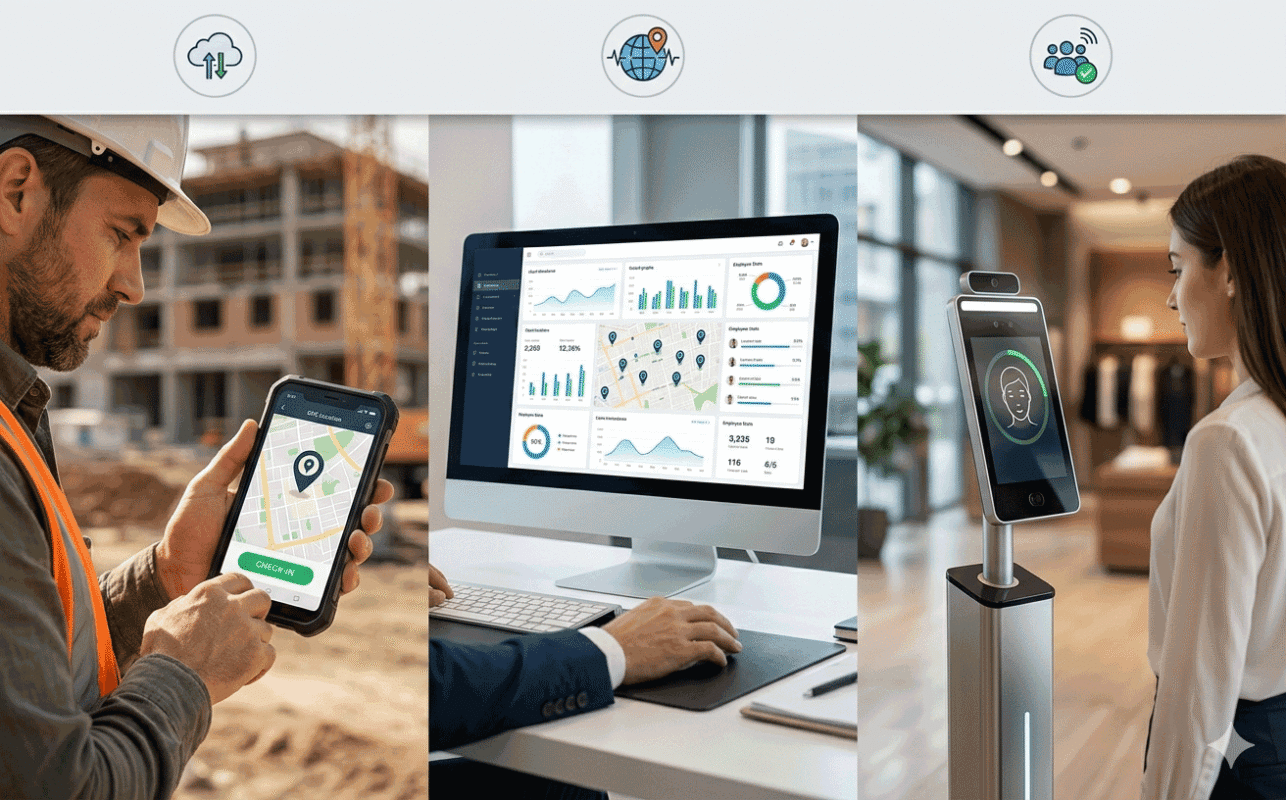
Epordo provides a cloud-based employee clock in system designed for businesses with office staff, mobile workers, and multi-location operations.
Key features include:
- Fingerprint attendance
- Face recognition attendance
- GPS attendance tracking
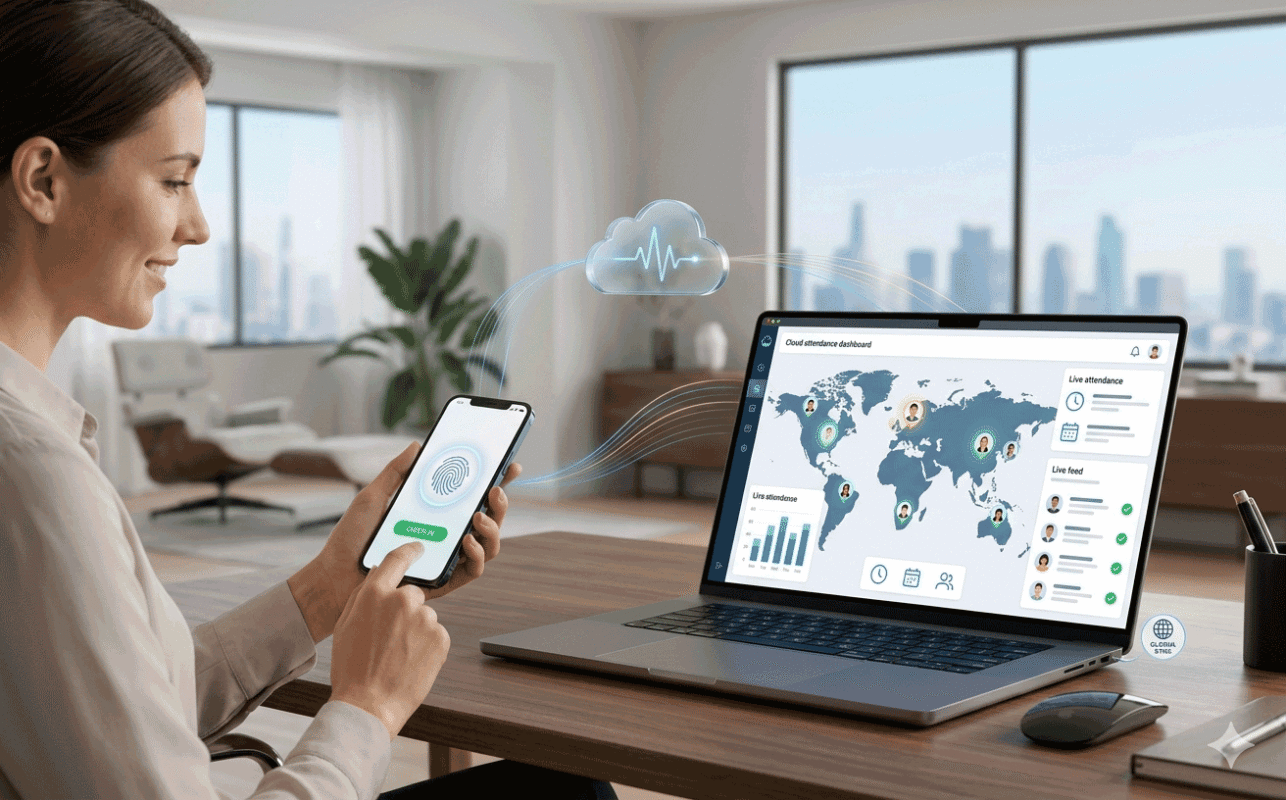
- Mobile app clock in and clock out
- Real-time cloud synchronization
- Multi-location employee management
- API integration
- Private deployment options
Whether you need a staff clock in system for a single office or thousands of employees across multiple sites, Epordo offers scalable attendance solutions tailored to your business needs.
View more about cloud-based employee clock in system
Types of Employee Clock In Systems
Different businesses require different attendance tracking methods.
1. Biometric Employee Clock In System
Biometric systems use unique physical characteristics to verify employee identity.
Common biometric methods include:
- Fingerprint recognition
- Facial recognition
- Palm recognition
Benefits:
- Prevents buddy punching
- High accuracy
- Fast verification
Best for:
- Offices
- Factories
- Warehouses
- Schools
2. RFID Staff Clock In System
Employees use RFID cards or key fobs to clock in and out.
Benefits:
- Affordable
- Easy deployment
- Quick check-in process
Limitations:
- Cards can be shared between employees
Best for:
- Small businesses
- Manufacturing facilities
- Retail stores
3. Mobile App Clocking In System
Employees clock in using smartphones.
Features often include:
- Self-service attendance
- Remote attendance
- Photo verification
- Real-time synchronization
Benefits:
- No hardware required
- Flexible deployment
- Easy employee access
Best for:
- Remote workers
- Sales teams
- Service technicians
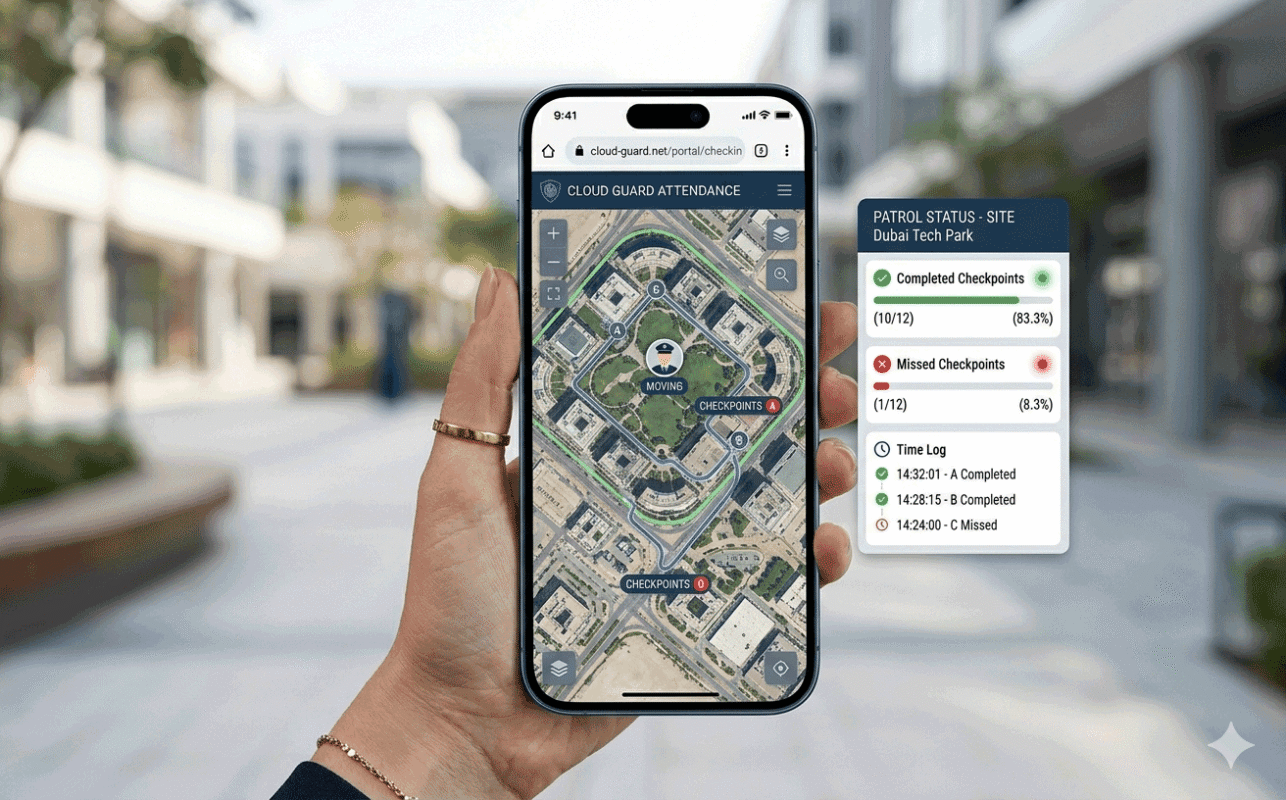
4. GPS Employee Clock In System
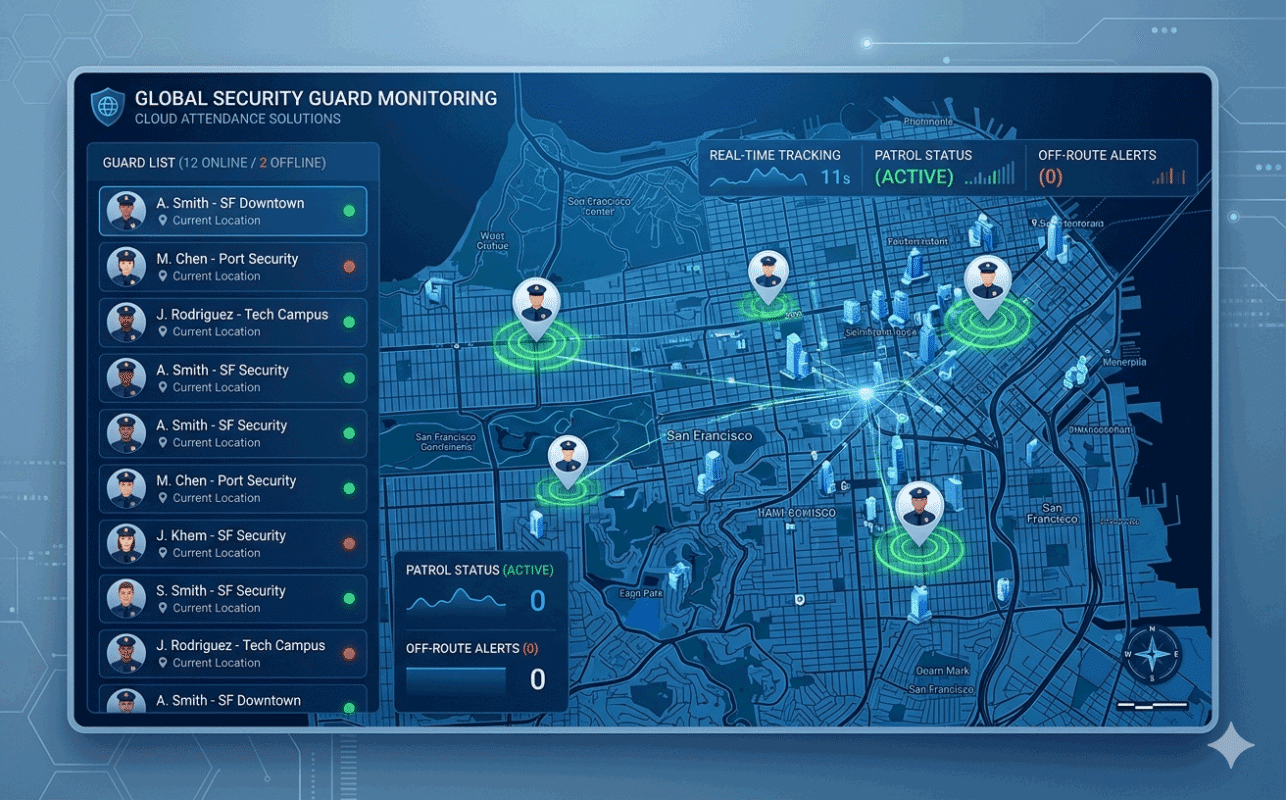
GPS attendance tracking verifies employee locations during clock-in.
Features include:
- Location verification
- Geofencing
- Route tracking
- Mobile attendance
Benefits:
- Prevents location fraud
- Ideal for field operations
- Supports mobile workforce management
Best for:
- Construction companies
- Security services
- Cleaning contractors
- Logistics businesses
Benefits of Cloud-Based Employee Clock In Systems
Modern businesses increasingly choose cloud-based employee clock in systems because they offer greater flexibility and scalability.
Real-Time Attendance Visibility
Managers can view attendance data instantly from any location.
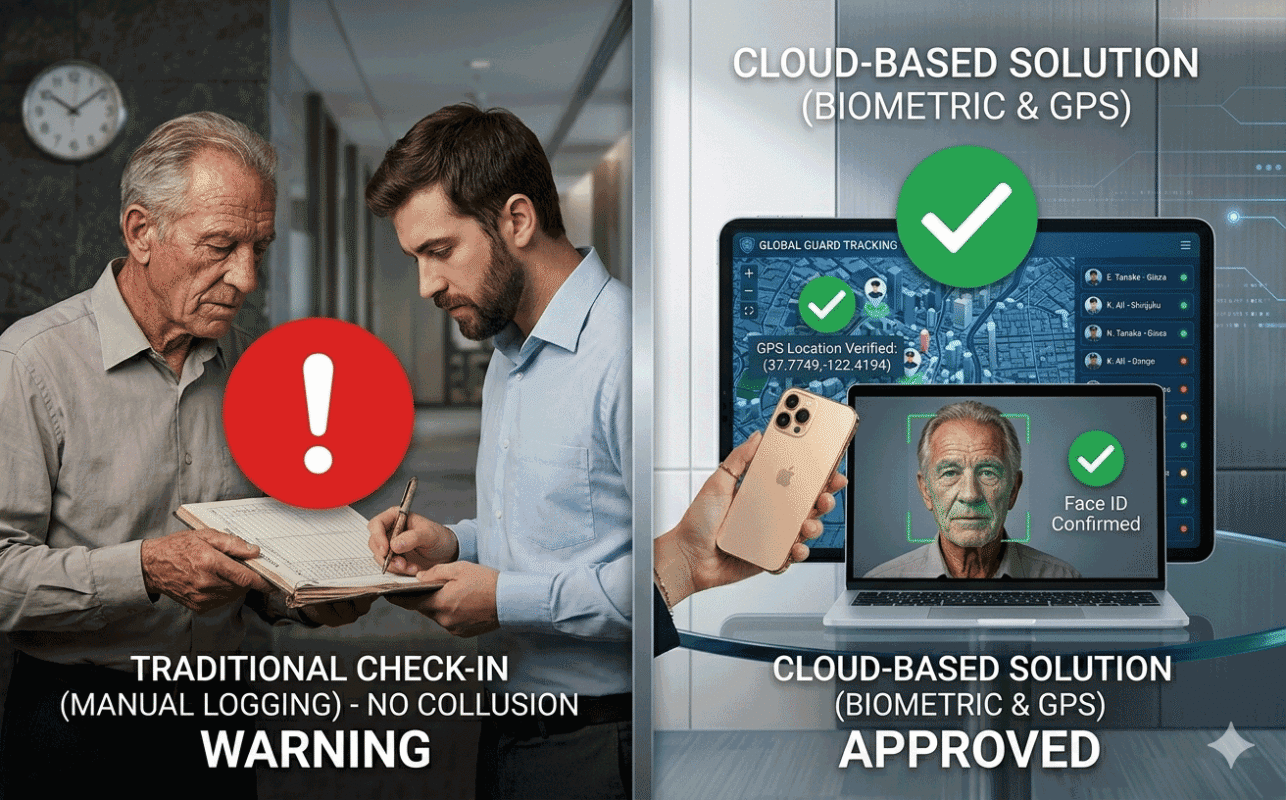
Reduced Time Fraud
Biometric verification and GPS tracking help prevent:
- Buddy punching
- Fake attendance records
- Unauthorized clock-ins
Easier Payroll Processing
Attendance data automatically feeds payroll calculations, reducing manual work.
Multi-Location Management
Cloud systems allow businesses to manage employees across multiple sites from a single dashboard.
Lower IT Costs
No complex server infrastructure is required.
Better Reporting
Generate attendance reports instantly and export data for HR and payroll systems.
How to Choose the Right Employee Clock In System
Before selecting a solution, consider the following factors.
Workforce Type
Office staff:
- Biometric attendance
Remote workers:
- Mobile attendance app
Field employees:
- GPS attendance system
Number of Employees
Choose a system that can scale as your business grows.
Integration Requirements
Look for support for:
- Payroll software
- HR systems
- ERP platforms
- API integration
Deployment Options
Businesses may require:
- Cloud deployment
- Private cloud deployment
- On-premise deployment
Reporting Features
Ensure the system provides:
- Attendance reports
- Overtime calculations
- Leave management
- Payroll exports
Conclusion
An employee clock in system helps businesses improve attendance accuracy, eliminate manual processes, and simplify workforce management.
From biometric devices and RFID systems to mobile apps and GPS attendance tracking, organizations can choose solutions that match their operational requirements.
For companies managing distributed workforces, a cloud-based employee clock in and out system provides the flexibility, visibility, and automation needed to streamline attendance management and payroll processing.