Why Choosing the Right Cloud Attendance System Matters
Many businesses select attendance software based only on price.
Unfortunately, this often creates problems later when organizations grow, add locations, or require more advanced workforce management features.
A cloud attendance system should support:
- Current workforce requirements
- Future business expansion
- Multiple locations
- Mobile employees
- Attendance automation
- Reporting and analytics
- Employee self-service
- Management collaboration
The right solution can remain effective for years, while the wrong solution may require replacement after only a short period of use.

1. Understand Your Workforce Structure First
Before comparing software vendors, understand how your workforce operates.
Ask questions such as:
- Do employees work from fixed locations?
- Do you manage multiple branches?
- Do employees travel between sites?
- Do you have field workers?
- Do you manage temporary projects?
- Do employees work different shifts?
- Do you operate across different cities or countries?
Your attendance requirements should determine the type of system you choose.
For example:
A small office may only require basic attendance tracking.
A construction company or security provider may require GPS attendance, biometric devices, and multi-location management.
2. Choose a System That Supports Multiple Attendance Methods
Many businesses outgrow simple attendance systems because they only support one attendance method.
Modern cloud attendance systems should support multiple options such as:
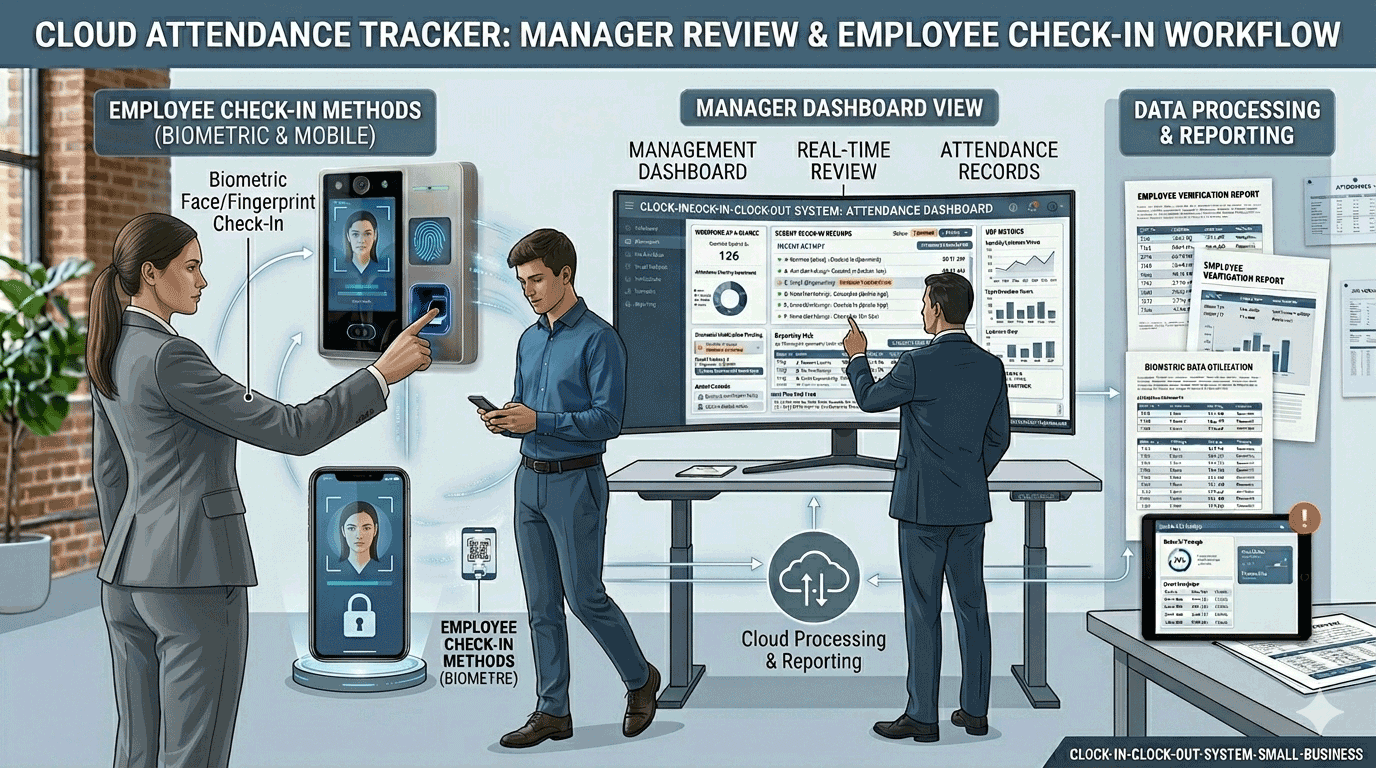
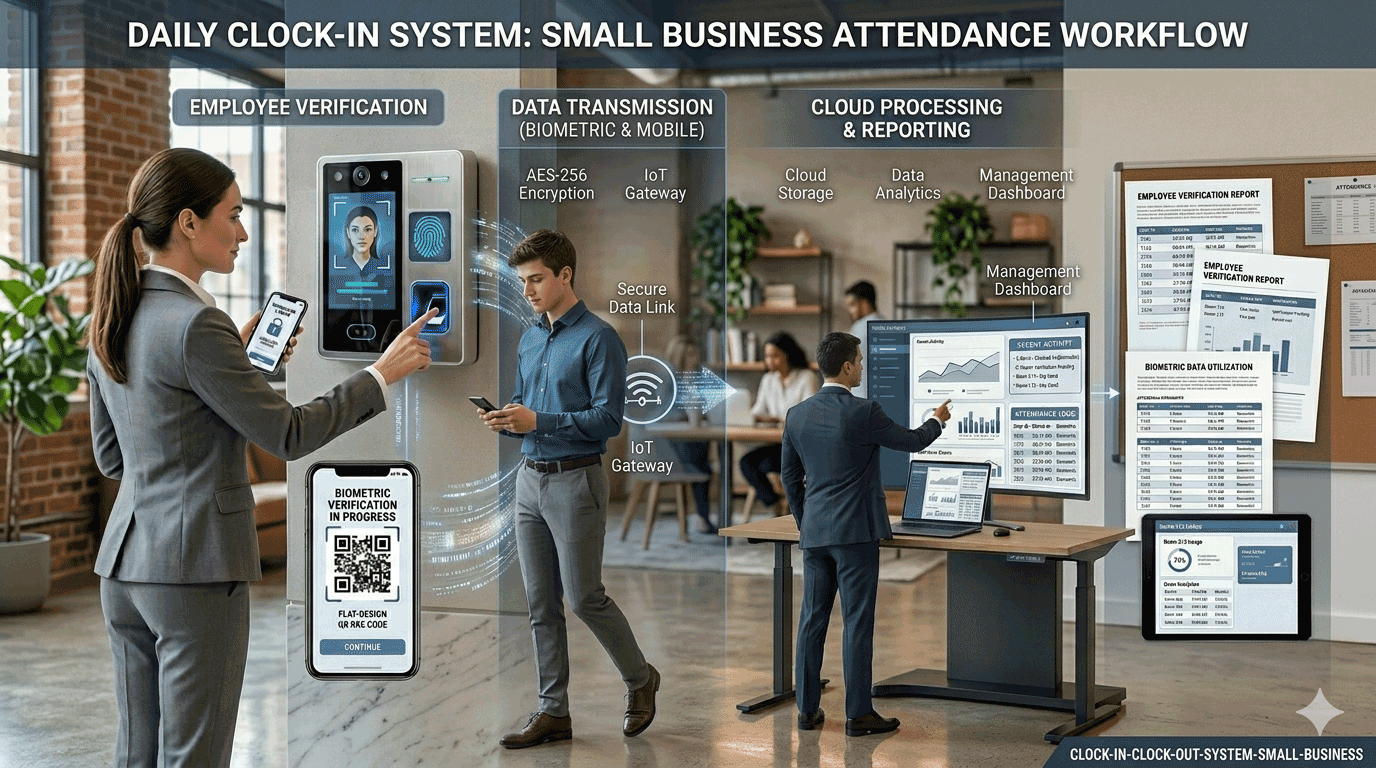
- Face recognition
- Fingerprint attendance
- RFID cards
- Palm recognition
- Password attendance
- GPS attendance
- Mobile attendance
- Tablet attendance
Having multiple attendance options gives businesses greater flexibility as operational requirements evolve.
3. Evaluate GPS Attendance Capabilities
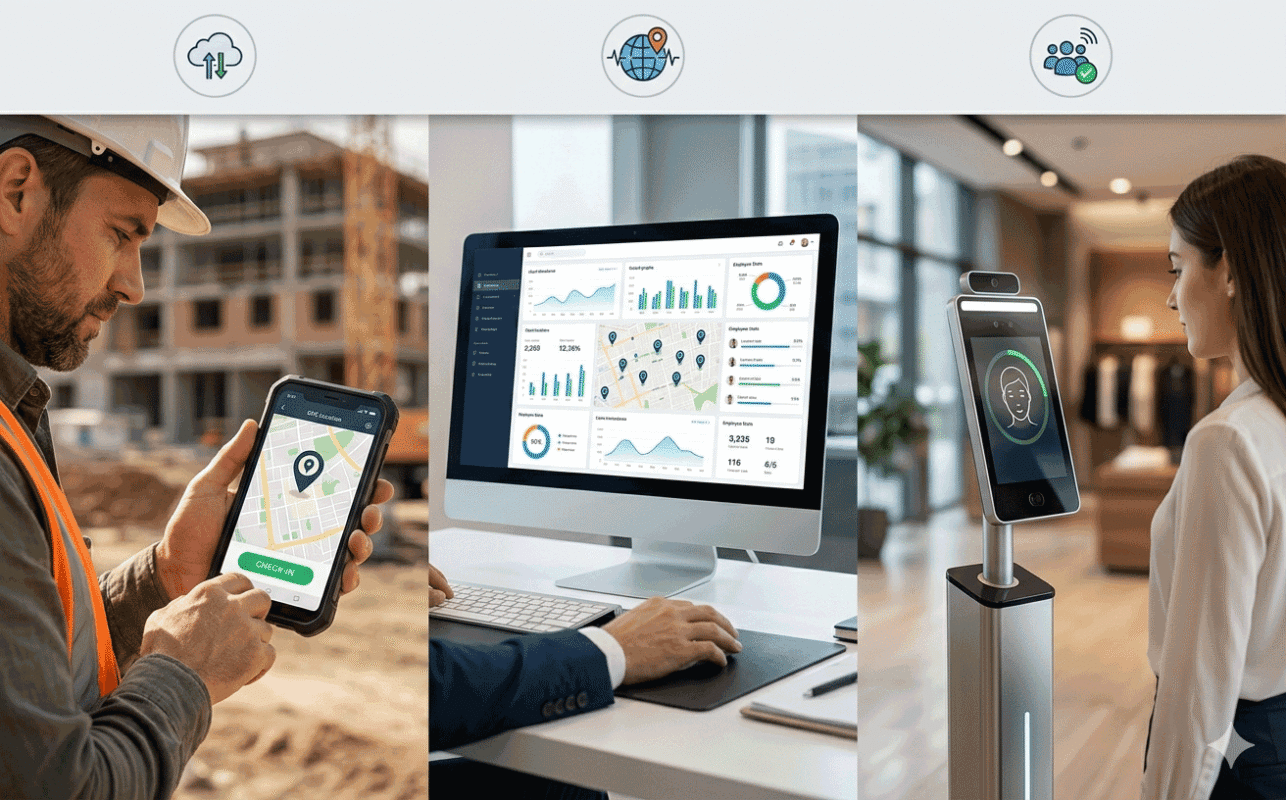
GPS attendance has become increasingly important for organizations with mobile workforces.
If your employees work outside traditional offices, verify whether the system supports:
- GPS attendance locations
- Attendance radius settings
- Geofencing
- Mobile check-in
- Location verification
- Attendance photos
- Real-time location records
This is particularly important for:
- Security companies
- Construction projects
- Field service teams
- Cleaning companies
- Outsourcing businesses

4. Look for Strong Biometric Attendance Support
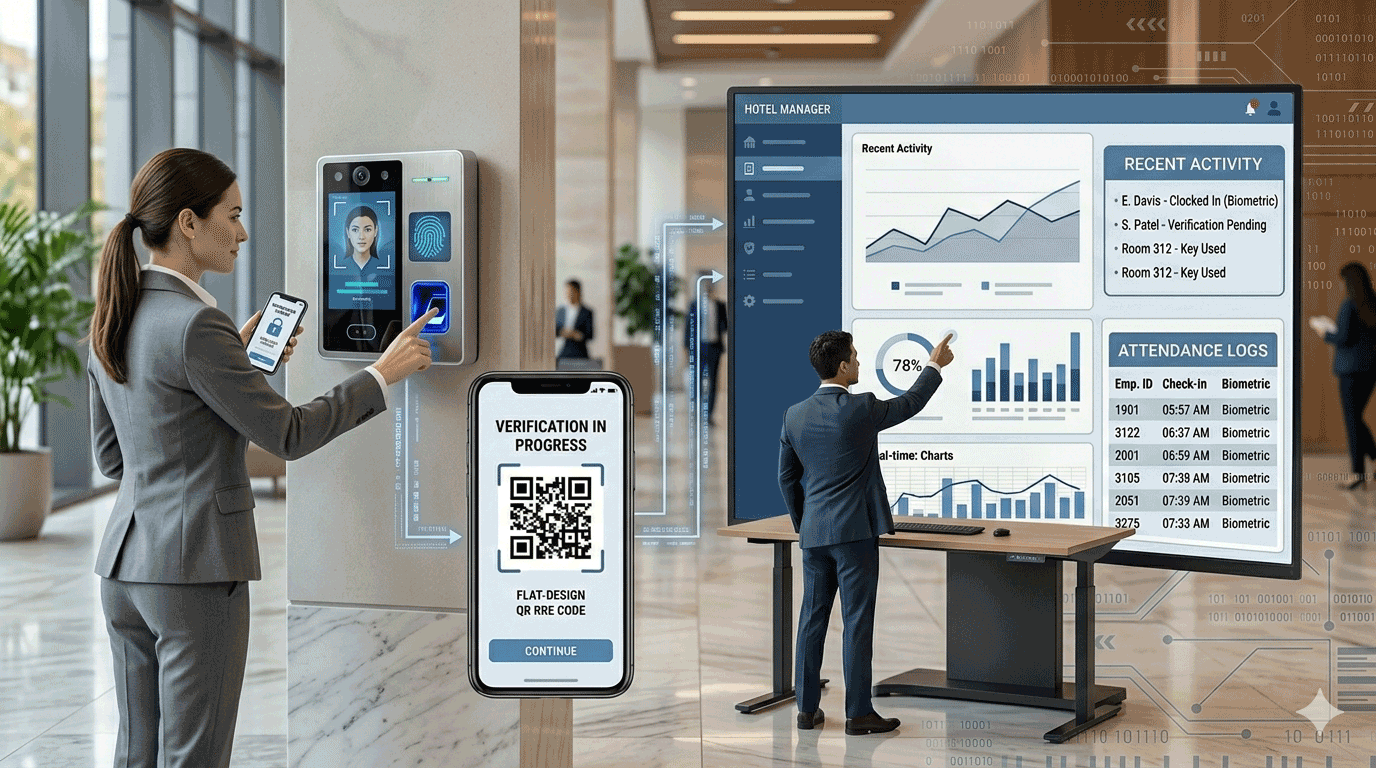
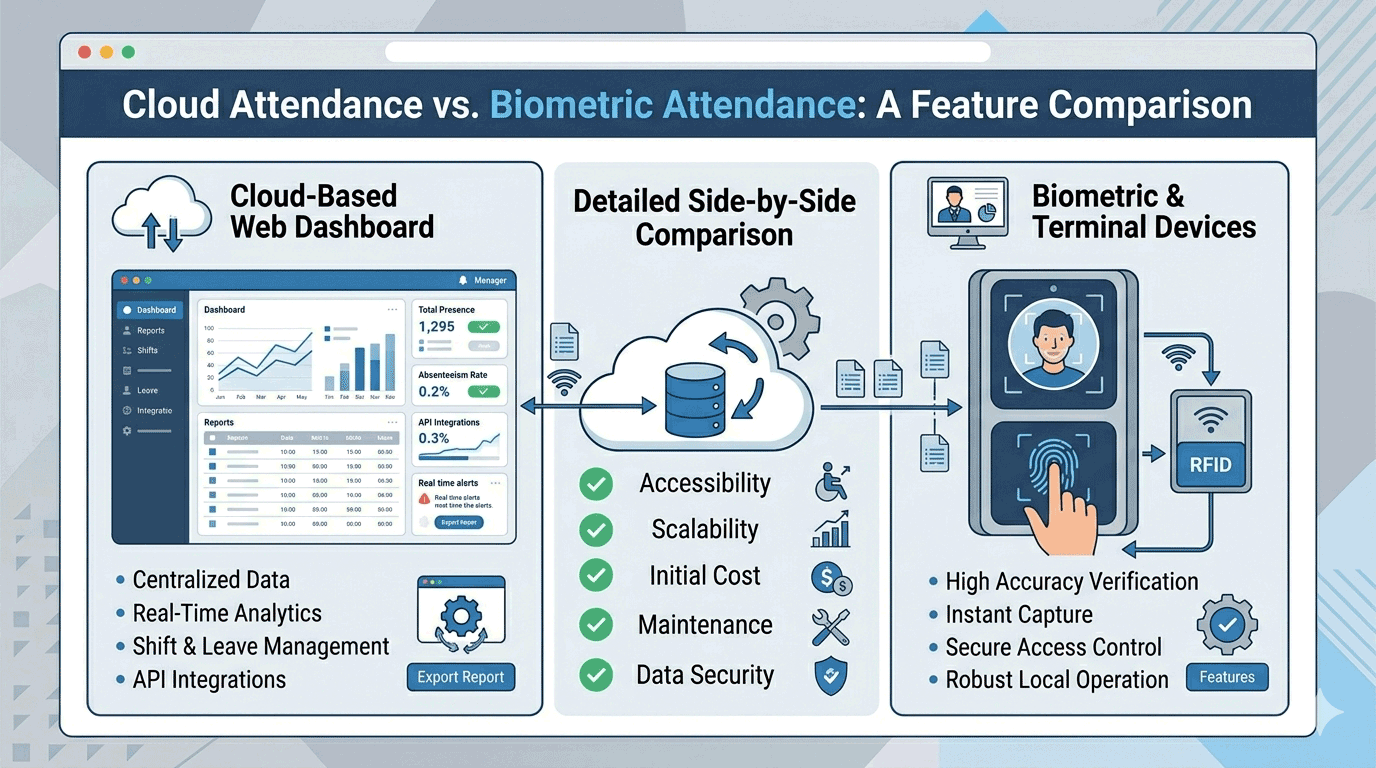
Biometric attendance significantly improves attendance accuracy.
When evaluating a cloud attendance system, determine whether it supports:
- Face recognition
- Fingerprint verification
- Palm recognition
- RFID card attendance
Biometric verification helps reduce:
- Buddy punching
- Attendance fraud
- Proxy clock-ins
- Manual attendance manipulation
Organizations with large workforces often benefit greatly from biometric attendance devices.
5. Check Scheduling Flexibility
Many businesses discover that scheduling becomes one of the biggest challenges after implementation.
A cloud attendance system should support:
- Fixed schedules
- Flexible schedules
- Shift work
- Rotating shifts
- Weekly schedules
- Monthly schedules
- Overnight shifts
- Department-specific schedules
Scheduling flexibility becomes increasingly important as organizations grow.
6. Evaluate Employee Self-Service Features
Employees should be able to access their own attendance information without relying entirely on HR staff.
Look for systems that allow employees to:
- View attendance records
- Review schedules
- Request leave
- Apply for overtime
- Check attendance reports
- Review approval results
Employee self-service reduces administrative workload while improving transparency.
7. Assess Permission and Access Control
Permission management is often overlooked during software evaluation.
As businesses grow, different users require different levels of access.
A good cloud attendance system should support:
- Department permissions
- Branch permissions
- Team permissions
- Regional permissions
- Module-based permissions
Examples include:
- HR managers
- Branch managers
- Supervisors
- Payroll teams
- Clients
- Department heads
Strong permission management helps organizations maintain security while sharing attendance information effectively.

8. Review Reporting and Analytics Features
Reports are one of the most valuable outputs of an attendance system.
Before choosing a platform, review whether it provides:
- Daily reports
- Weekly reports
- Monthly reports
- Overtime reports
- Attendance exception reports
- Department statistics
- Workforce analytics
- Attendance trends
Good reporting can significantly improve workforce visibility and management decision-making.
9. Consider Device Management Capabilities
If your organization uses attendance hardware, device management becomes important.
Look for systems that provide:
- Device status monitoring
- Online/offline monitoring
- Remote configuration
- User synchronization
- Attendance record downloads
- Device command management
This is especially useful for organizations operating multiple attendance terminals.
10. Evaluate Scalability
Many attendance systems work well initially but struggle as organizations expand.
A cloud attendance platform should be able to scale with:
- Additional employees
- New branches
- New projects
- International operations
- Additional attendance devices
- Future workforce growth
Scalability reduces the need for costly software replacements later.
Recommended Solution
EPORDO cloud attendance system is designed for organizations managing:
- Multi-location operations
- Remote employees
- Mobile workforce teams
- Security guard companies
- Construction projects
- Retail chains
- Schools and educational organizations
- Outsourcing businesses
Features include:
- Biometric attendance devices
- GPS attendance tracking
- Employee self-service
- Flexible scheduling
- Multi-branch management
- Advanced permissions
- Real-time reporting
- Centralized workforce management
👉 Explore Our Cloud Attendance System Solution:
Common Mistakes When Choosing a Cloud Attendance System
Businesses often make these mistakes:
Choosing Based on Price Alone
The cheapest system is rarely the most cost-effective long term.
Ignoring Future Growth
Many companies underestimate future workforce expansion.
Overlooking Mobile Workforce Needs
Remote and field employees often require GPS attendance features.
Not Evaluating Reporting
Poor reporting can create ongoing management challenges.
Ignoring Device Integration
Hardware compatibility becomes critical for many attendance deployments.
Questions to Ask Before Buying
Before selecting a cloud attendance provider, ask:
- Does the system support multiple attendance methods?
- Can it manage multiple branches?
- Does it support GPS attendance?
- Does it support biometric devices?
- Can employees access self-service portals?
- How flexible is scheduling?
- How scalable is the platform?
- What reporting features are available?
- How are permissions managed?
- What support services are included?
These questions help identify whether a solution is suitable for long-term use.
Final Thoughts
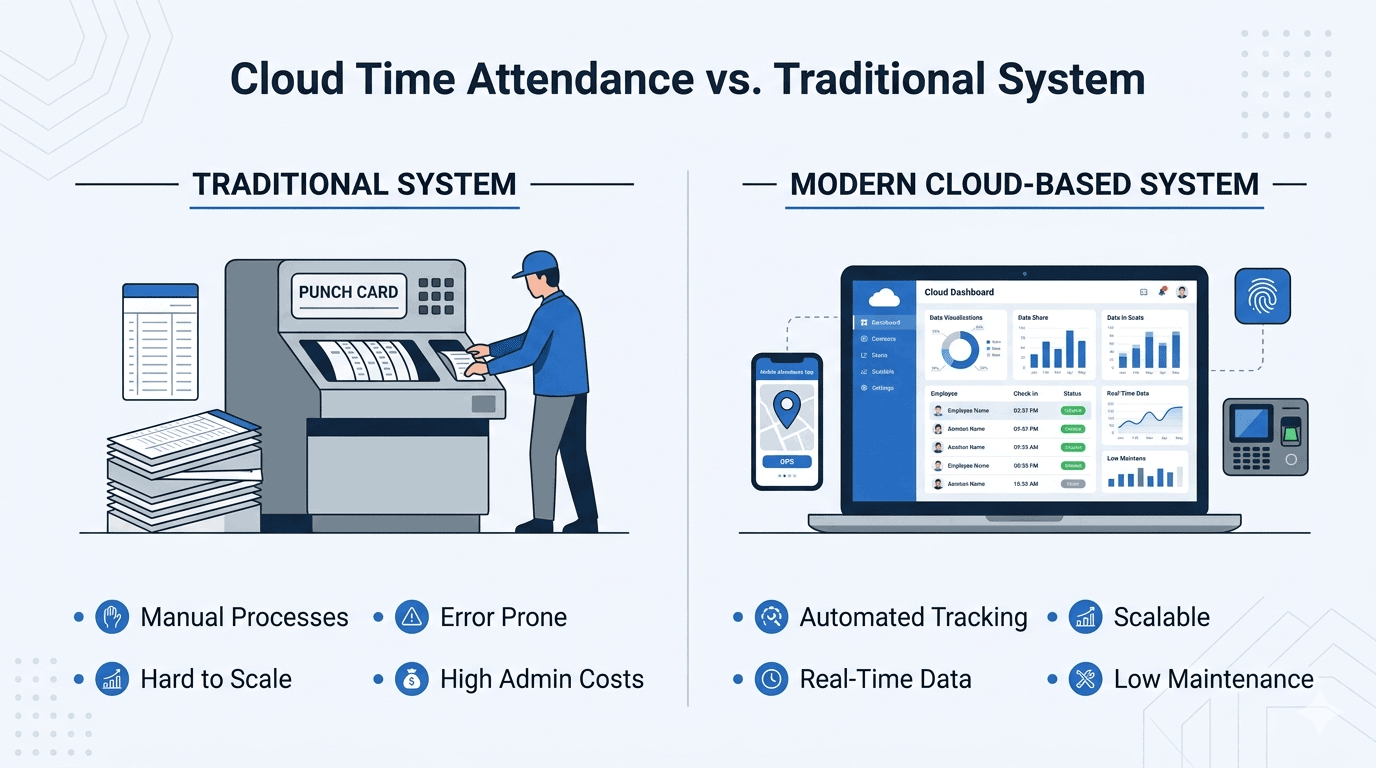
Choosing the right cloud attendance system is an important business decision that affects workforce visibility, operational efficiency, and long-term scalability.
Rather than focusing only on price, businesses should evaluate attendance methods, GPS capabilities, biometric support, reporting, scheduling flexibility, permission management, and future growth requirements.
The right cloud attendance platform can become a powerful workforce management tool that supports business growth for years to come.